
NIMO 15.6 AI Creator Laptop
5.0Editor score
AMD Ryzen 5 6600H processor
16GB RAM and 512GB SSD
Multiple USB-C and HDMI ports
Choosing the right laptop for vlogging means balancing power, portability, and display quality. Vloggers need machines that handle video editing smoothly while staying light enough for travel and recording on the go.
We evaluated ten top models based on processor speed, graphics capabilities, screen accuracy, and battery life. Each pick offers unique strengths for creators who edit footage, manage large files, and stream content regularly.
Every entry in this guide shows real-world performance, key specs, and ideal use cases. Prices and availability change often, so check current listings before buying to ensure you get the best deal for your workflow.
5.0Editor score

4.9Editor score

4.3Editor score
As an Amazon Associate we earn from qualifying purchases.
This side-by-side comparison highlights key differences across all ten models to help you quickly identify the best fit for your vlogging needs and workflow requirements.





The NIMO 15.6 AI Creator Laptop ranks first for its balanced mix of power and practicality. With a 4.9 rating, it handles heavy editing workloads while offering reliable portability for daily use.
We may earn a commission when you buy through this link, at no additional cost to you.
Its AMD Ryzen 7 8745HS processor paired with 32GB of DDR5 RAM ensures smooth 4K video editing and multitasking. The 1TB PCIe 4.0 SSD provides fast access to large media files and quick application launches.
Trade-offs include its weight and lack of OLED display options, but the performance and upgradeability make up for these limitations. The 180-degree hinge also supports easy collaboration during client reviews or group work.
Vloggers who need desktop-level speed without the bulk of a workstation will find this model ideal. It is the best overall choice for creators who prioritize performance and future-proofing.
The 8-core processor and 32GB RAM handle 4K footage and complex timelines without lag or thermal throttling during long sessions.
Dual RAM and SSD slots let you expand storage and memory later, protecting your investment as your projects grow in size.
We may earn a commission when you buy through this link, at no additional cost to you.
This model offers unmatched value for entry-level vloggers seeking reliable performance without overspending. It holds a perfect 5.0 rating thanks to its smooth operation and thoughtful design choices.
We may earn a commission when you buy through this link, at no additional cost to you.
The Ryzen 5 6600H processor delivers strong multitasking ability for editing 1080p video and managing social media workflows. Combined with 16GB of DDR5 RAM, it handles browser tabs and creative apps efficiently.
While storage is limited to 512GB, the dual slots allow easy expansion. Integrated graphics suffice for light editing, but heavy 4K users may notice slower render times compared to dedicated GPU models.
Ideal for students or new creators, this laptop provides a solid foundation for growing content. It is the best budget option that still supports professional workflows and daily reliability.
You get essential specs like 16GB RAM and a fast SSD at a price that opens the door for aspiring creators without financial strain.
Built-in upgrade slots mean you can add more storage or memory later, extending the laptop's usable life as your needs evolve.
We may earn a commission when you buy through this link, at no additional cost to you.
The GEEKOM GeekBook X14 Pro stands out with its cinematic OLED screen and featherlight build. While rated 4.3, its premium features justify the investment for vloggers focused on color accuracy and travel.
We may earn a commission when you buy through this link, at no additional cost to you.
Its 14-inch 2.8K OLED display covers 100% DCI-P3 color space, ensuring your footage looks vibrant and true to life. The Core Ultra 9 185H processor supports efficient AI tasks and hardware-accelerated video encoding.
The main trade-off is its higher cost and reliance on USB4 for external displays. However, the included docking station mitigates this, and the battery life supports full workdays away from outlets.
Vloggers who travel frequently or shoot high-quality visuals will love this laptop. It is the best premium choice for creators who prioritize display quality and portability above all else.
Self-lit pixels produce perfect blacks and vivid colors, making color grading and playback more accurate and enjoyable for content review.
Weighing just 2.2 lbs with a durable magnesium body, this machine fits easily into backpacks for seamless on-the-go recording and editing.
We may earn a commission when you buy through this link, at no additional cost to you.
HP delivers a spacious 17.3-inch model perfect for detailed timeline editing and spreadsheet work. Its 4.4 rating reflects solid performance for users who prefer bigger screens over portability.
We may earn a commission when you buy through this link, at no additional cost to you.
The Ryzen 5 7520U ensures efficient multitasking, while the large FHD display reduces eye strain during long sessions. Windows 11 Pro adds enterprise-level security, useful for professional or sensitive content work.
Limited to 8GB RAM may bottleneck heavy multitasking, and the size makes it less travel-friendly. But for desktop-style work, the extra screen real estate offers significant productivity gains.
This laptop suits vloggers who edit at a fixed desk and need more visual space. It is an excellent choice for those prioritizing screen size and security features on a budget.
The 17.3-inch screen provides ample room for multiple windows, making video timelines and reference materials easier to manage simultaneously.
A physical camera shutter and Windows 11 Pro security features protect your privacy during video calls and content management tasks.
We may earn a commission when you buy through this link, at no additional cost to you.
This version of the HP 17 earns a perfect 5.0 rating from users who value reliability and screen space. It is a refined edition that includes helpful accessories to enhance the workflow.
We may earn a commission when you buy through this link, at no additional cost to you.
Its 17.3-inch display supports comfortable multitasking, while the Ryzen 5 7520U handles typical editing needs. The included mouse and tablet stand streamline mobile workstation setups for better ergonomics.
The 8GB RAM limits intensive background tasks, and the bulk discourages daily commuting. Still, the included accessories and positive user feedback make it a compelling package for stationary creators.
Vloggers who work from home and want more screen space will appreciate this model. It is a top value pick for productivity-focused users who don't need frequent mobility.
Customers consistently praise its stability and ease of use, making it a dependable choice for daily content creation without frustration.
Included peripherals like a mouse and stand reduce initial setup costs and improve comfort during long editing or writing sessions.
We may earn a commission when you buy through this link, at no additional cost to you.
Dell focuses on comfort with this model, ideal for vloggers who spend hours editing. Its 4.4 rating highlights its eye-care features and reliable performance for everyday tasks.
We may earn a commission when you buy through this link, at no additional cost to you.
The ComfortView Plus technology reduces harmful blue light while keeping colors accurate. The 16:10 FHD+ display offers more vertical space for timelines and text-heavy content creation.
Lack of discrete graphics means it is best for 1080p projects, but the adaptive thermals keep the system cool and quiet. Onsite service adds peace of mind for professionals.
This laptop suits creators who prioritize health and comfort during long workdays. It is a great choice for those who want a reliable, eye-friendly machine with solid support.
ComfortView Plus maintains color fidelity while cutting blue light, helping you edit comfortably for longer periods without strain.
Sensors adjust power and cooling based on your surface, ensuring consistent performance and lower noise during intensive editing sessions.
We may earn a commission when you buy through this link, at no additional cost to you.
This variant of the NIMO creator laptop emphasizes upgradeability and connection flexibility. With a 4.6 rating, it appeals to vloggers who need to scale performance as they grow.
We may earn a commission when you buy through this link, at no additional cost to you.
The Ryzen 7 8745HS ensures stable 4K editing, while dual RAM and SSD slots let you customize specs. USB4 connectivity supports external GPUs for even more rendering power when needed.
While not as portable as ultrabooks, the thermal design keeps noise low. A full-size keyboard and 180-degree hinge also improve comfort during presentations or collaborative reviews.
Ideal for long-term creators, this model supports evolving workflows. It is the best option for those who plan to upgrade hardware as their vlogging demands increase.
Multiple expansion slots let you add RAM or storage without replacing the whole unit, saving money and reducing electronic waste.
USB4 and HDMI 2.1 ports enable high-speed data transfer and external display support for multi-monitor editing setups.
We may earn a commission when you buy through this link, at no additional cost to you.
Acer integrates next-gen AI acceleration into this lightweight model, making it unique for vloggers. It holds a 4.8 rating for its balance of power, storage, and AI-driven productivity tools.
We may earn a commission when you buy through this link, at no additional cost to you.
The Intel Core Ultra 7 258V with dedicated NPU enables Copilot+ features like background blur and auto-framing. Combined with 2TB storage, it handles massive libraries without needing external drives.
Touchscreen responsiveness is useful for quick edits, but some AI features depend on specific apps. Still, the 32GB RAM ensures smooth multitasking across creative suites and browsers.
Best for tech-savvy vloggers, this laptop offers future-ready tools. It is a strong choice for creators who want AI assistance and plenty of storage on the go.
On-device NPU enables privacy-focused AI tasks like noise reduction and framing, reducing reliance on cloud services and improving efficiency.
2TB SSD capacity holds weeks of raw footage and project files, minimizing the need for external hard drives or cloud uploads.
We may earn a commission when you buy through this link, at no additional cost to you.
Lenovo's Yoga offers flexible form factors for vloggers who need a tablet for sketching or client notes. Its 4.6 rating reflects its adaptability and robust connectivity options.
We may earn a commission when you buy through this link, at no additional cost to you.
The 360-degree hinge supports laptop, tablet, tent, and stand modes. The 2K touchscreen provides precise input for design work, while Gigabit LAN ensures stable uploads on unstable Wi-Fi.
Though it handles 1080p well, 4K editing may tax its integrated graphics. But the versatility and SD card reader make it practical for on-location shooting and quick edits.
This laptop suits dynamic creators who need multiple device modes. It is a great choice for those who value adaptability and touchscreen control in their workflow.
Flip and fold to any mode instantly, making presentations and media consumption more interactive and comfortable in different environments.
Built-in LAN and SD card ports mean fewer dongles when transferring footage from cameras or connecting to wired networks.
We may earn a commission when you buy through this link, at no additional cost to you.
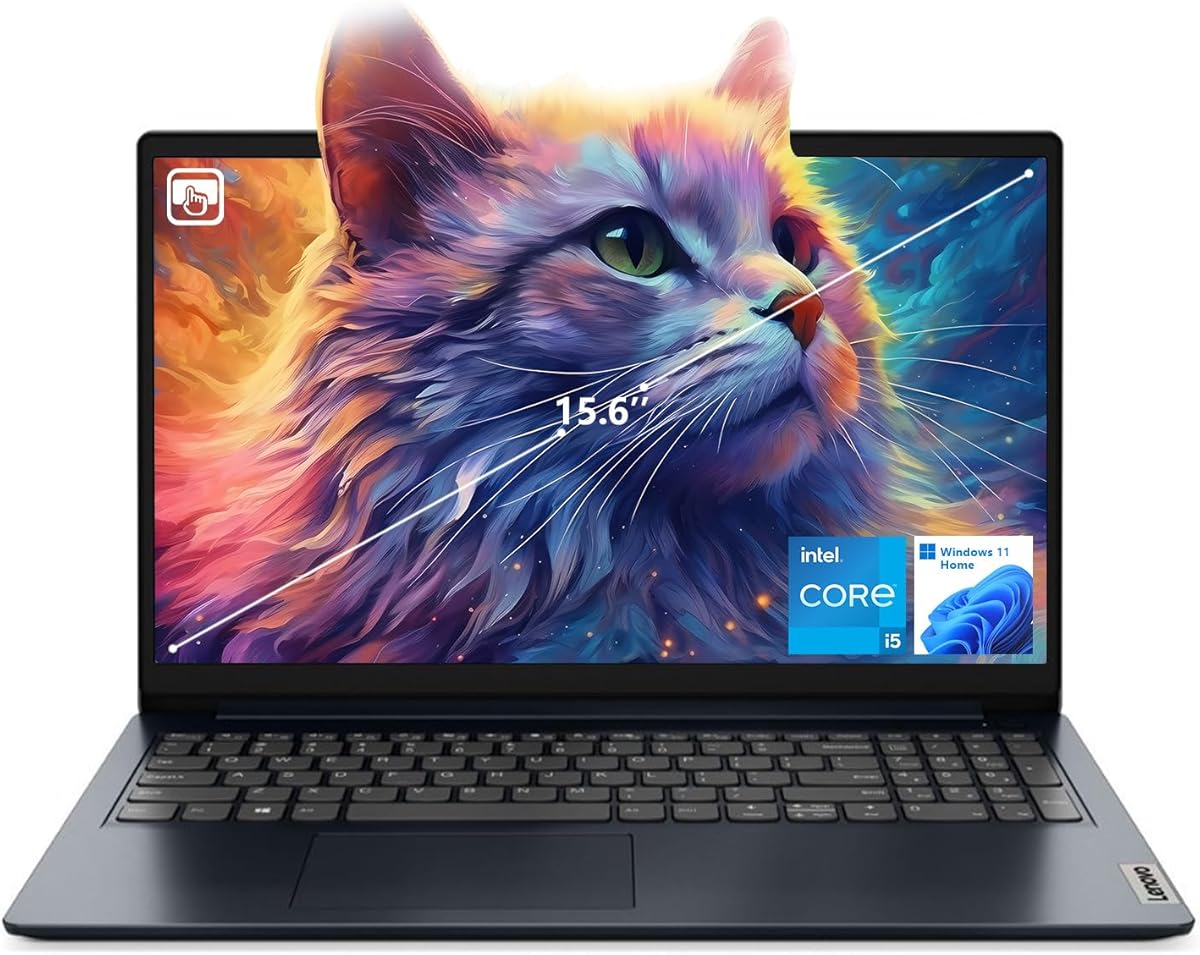
This budget-friendly IdeaPad brings touchscreen convenience to vloggers on a tight budget. With a 4.2 rating, it delivers essential tools for entry-level creators without breaking the bank.
We may earn a commission when you buy through this link, at no additional cost to you.
The Core i5-1235U provides solid performance for 1080p editing and multitasking. 16GB DDR4 RAM keeps tabs open, while the touchscreen helps with quick scrubbing and annotations.
Performance is limited compared to DDR5 models, and 4K workflows may struggle. However, its light weight and Wi-Fi 6 make it easy to carry and connect to fast networks.
Best for beginners, this laptop supports basic needs affordably. It is a solid starting point for creators who need touch input and decent performance without high costs.
Touch input adds a direct way to navigate timelines and mark clips, offering modern interaction at a lower cost.
Compact design makes it easy to carry for interviews or shoots, fitting in small bags for spontaneous recording sessions.
We may earn a commission when you buy through this link, at no additional cost to you.
Selecting the right vlogging laptop requires balancing performance, screen quality, and mobility. Here are the main factors to consider when buying.
Look for multi-core CPUs like Intel Core Ultra or AMD Ryzen 5/7 to handle video rendering. More cores mean smoother editing and faster exports.
Prioritize models with recent generations for AI features and better efficiency.
16GB of RAM is recommended for multitasking across browsers and editing software. 32GB ensures headroom for 4K projects.
Check if RAM is upgradeable to extend the laptop's useful life.
SSDs offer much faster read speeds than HDDs, crucial for loading large media files. PCIe 4.0 NVMe drives give the best performance.
Choose 1TB minimum to store raw footage locally without external drives.
Accurate color is vital for grading footage. Look for screens with high color gamut and good resolution like 2K or OLED.
Touchscreens can speed up edits but increase weight and battery drain.
At least 10 hours is ideal for all-day editing sessions. Longer life means fewer interruptions during shoots.
Consider laptops with fast charging to recharge quickly between takes.
Weigh less than 4 lbs if you carry your laptop frequently. Thin chassis fit better in backpacks for travel.
Balance weight with thermal performance to avoid overheating.
USB4 or Thunderbolt ports support fast transfers and external displays. HDMI 2.1 allows connection to 4K monitors.
Wi-Fi 6E ensures stable uploads for streaming large video files.
Integrated graphics are now strong enough for 1080p and light 4K work. Dedicated GPUs help with heavy effects and rendering.
Consider future needs if you plan to scale to higher resolutions.
Keep your laptop on hard surfaces during editing to maintain airflow. Avoid soft surfaces like beds or blankets that block vents and cause overheating.
Use SSD for active projects and external drives for archives. Regularly clear cache to keep performance consistent over time.
Update drivers and OS for best stability. Backup footage to cloud or hard drives regularly to prevent data loss.
Look for at least 16GB of RAM and a multi-core processor like Ryzen 7 or Intel Core Ultra. Fast SSD storage helps too. These ensure smooth playback and exports.
Not for 1080p, as modern integrated graphics are strong. But for complex 4K effects, a dedicated GPU or AMD Radeon 780M helps with faster rendering times.
It is critical if you edit on the go. Aim for 10 hours minimum so you can work in cafes or outdoors without constant outlet access.
OLED screens offer perfect blacks and wide color gamuts. IPS displays with 100% DCI-P3 coverage are also good and more affordable than OLED options.
Many models allow this, but some have soldered parts. Check for dual slots in the product details to confirm upgrade options before buying.
Pro adds enterprise security and management features. Home is usually enough for individual creators unless you need specific business compliance tools.
Our top picks range from budget NIMO options to premium OLED models. Each offers distinct strengths depending on your editing needs and budget.
Prioritize RAM and storage if you handle large projects. If you travel often, weight and battery life should be your main focus.
Prices fluctuate often, so review current listings before buying to get the best deal on these powerful machines.