
LONGER LK5 Pro 3D Printer
4.1Editor score
300x300x400mm build
90% pre-assembled design
Open source motherboard
This guide compares the top Fdm Printer for Large Prints models to help you choose the right large format machine for your needs.
Finding the right Fdm Printer for Large Prints can transform your creative workflow and production capabilities. Large format machines allow you to print massive parts without splitting them, saving time and improving structural integrity for complex projects.
We evaluated ten leading models based on build volume, speed, material compatibility, and ease of use. Our analysis focuses on real-world performance metrics and user feedback to ensure you get a reliable machine that meets your specific scaling requirements.
Each pick highlights unique strengths like speed, multi-color capability, or budget friendliness. Prices and availability change frequently, so verify current details before purchasing to ensure you get the best value for your investment today.
4.1Editor score

4.0Editor score

4.5Editor score
This side-by-side comparison highlights the key specifications of every model selected for this guide to help you quickly identify which Fdm Printer for Large Prints fits your workspace and project needs.



The Bambu Lab P1S stands out as a top contender for anyone seeking a high-performance Fdm Printer for Large Prints. With a rating of 4.5 stars, it delivers speed and reliability that surpasses many competitors in the same category.
We may earn a commission when you buy through this link, at no additional cost to you.
Its enclosed design allows for advanced filament types, ensuring stable printing even at high temperatures. The automatic bed leveling simplifies the start of every print, while the 500mm/s speed drastically cuts down production time.
While it excels in speed and ease of use, users should note that the AMS multi-color system is sold separately. Additionally, the printer is optimized for specific filaments like PLA and ABS, which might limit some specialized applications.
This model is ideal for creators who want a plug-and-play experience without sacrificing performance. Its balance of speed, reliability, and user-friendly features makes it a strong recommendation for both hobbyists and professionals.
The 500mm/s speed allows you to complete large projects in a fraction of the time compared to standard printers.
The fully enclosed body ensures better temperature control, which is critical for printing materials like ABS without warping.
We may earn a commission when you buy through this link, at no additional cost to you.
The Snapmaker U1 brings a unique approach to multi-color printing with its 4-toolhead system. Rated 4.6 stars, it minimizes waste and time by swapping toolheads instead of traditional filament purging.
We may earn a commission when you buy through this link, at no additional cost to you.
Its automatic tool changer reduces swap time to just five seconds, making complex multi-color prints significantly faster. The system handles rigid and flexible materials seamlessly, offering broad design freedom.
However, the build volume is smaller compared to other large format options, and the price reflects the advanced tooling. This might be a constraint for users needing very large single-piece prints.
For creators focused on intricate multi-color parts, this printer is unmatched. Its innovation in tool swapping makes it a valuable asset for professional prototyping and detailed modeling.
With zero failures after over a million swaps, the SnapSwap system ensures reliability without manual intervention.
Compatible with PLA, ABS, TPU, and more, allowing mixed-material prints in a single job.
We may earn a commission when you buy through this link, at no additional cost to you.
The Creality Ender 5 Max offers an impressive 400mm build volume, making it a top choice for large prints on a budget. With a 4.0 rating, it balances high output with cost effectiveness for farms and studios.
We may earn a commission when you buy through this link, at no additional cost to you.
Its CoreXY system and 700mm/s speed make it ideal for batch production. The all-metal frame ensures stability, and the 64-point auto leveling improves first layer success rates significantly.
While powerful, the setup can be intricate for beginners. Users may need to spend time tuning the machine to achieve optimal results, which might be a hurdle for immediate use.
This model is perfect for those who need high throughput and large volume without breaking the bank. It is a practical choice for expanding print farms efficiently.
The 400mm volume allows oversized prototypes to be printed in one piece, saving assembly time.
WLAN multi-printer control helps manage multiple units, boosting overall workflow efficiency.
We may earn a commission when you buy through this link, at no additional cost to you.
The Creality K2 Plus Combo leads in premium features with its 16-color CFS system. Rated 4.0 stars, it combines speed and material flexibility for high-end applications and custom projects.
We may earn a commission when you buy through this link, at no additional cost to you.
Its 600mm/s speed and 65C chamber enable printing of engineering filaments like ASA and PPA. The dual AI cameras monitor prints closely, preventing failures and ensuring consistent quality.
The cost is significant, and the system requires learning the CFS ecosystem. This might be a barrier for casual users who do not need multi-color capabilities.
For professionals needing multi-color industrial prints, this is a top-tier choice. Its robust build and advanced features justify the investment for serious creators.
The CFS units allow automatic filament selection, saving time on complex color swaps.
Support for high-temp filaments ensures durable prints for functional end-use parts.
We may earn a commission when you buy through this link, at no additional cost to you.
The ANYCUBIC Kobra X excels in efficiency with native 4-color support and up to 19-color expansion. With a 4.4 rating, it reduces waste and increases productivity for print farms.
We may earn a commission when you buy through this link, at no additional cost to you.
Its top-mount design saves space, while the LeviQ 3.0 leveling ensures precision. The AI camera offers reliable monitoring, making it easy to manage remote batches.
However, the 260mm build volume is smaller than some large format options, and expansion requires additional hardware. This may limit use for very large single-part printing.
This printer is ideal for high-density production environments. Its focus on efficiency and color versatility makes it a strong candidate for businesses.
With 81.25% less waste, this model cuts material costs significantly during multi-color jobs.
Object skipping and AI guard help prevent damage, ensuring successful print runs.
We may earn a commission when you buy through this link, at no additional cost to you.
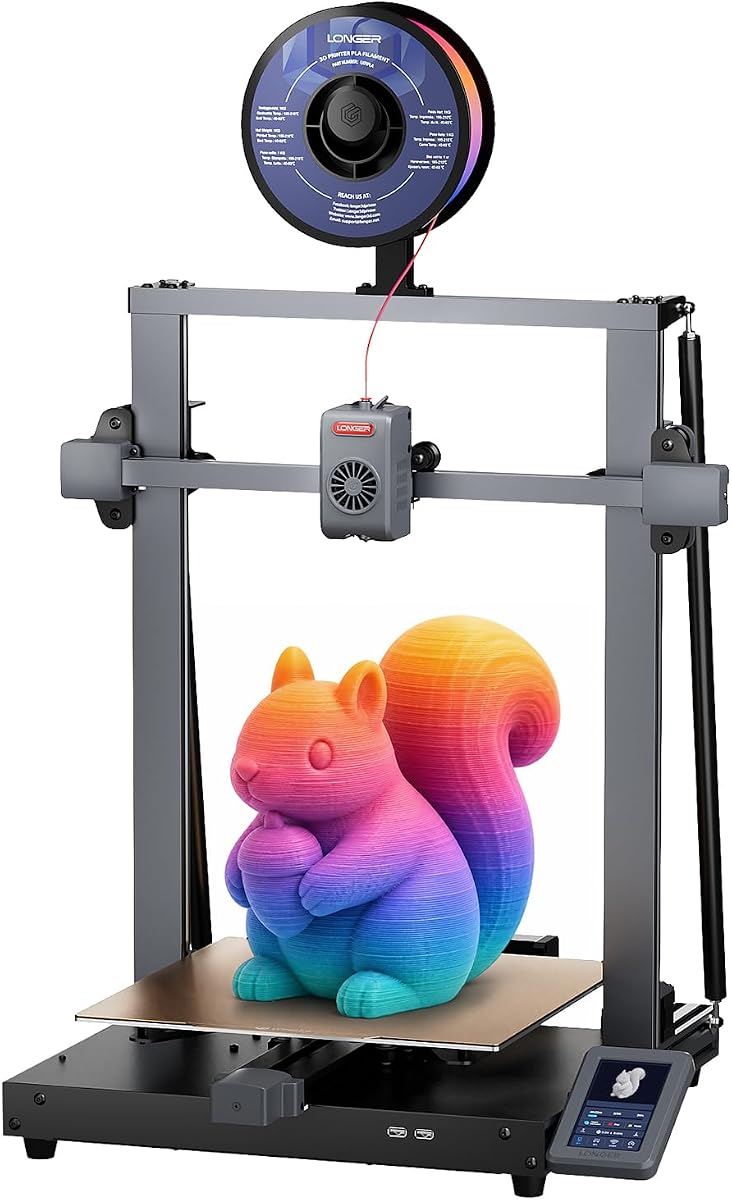
The LONGER LK10 Plus offers a tall 320x400mm volume at a budget price. Rated 4.4 stars, it uses Klipper firmware for high-speed performance that rivals more expensive models.
We may earn a commission when you buy through this link, at no additional cost to you.
Its direct drive extruder and auto leveling simplify use. Power loss recovery and silent drivers ensure reliable operation even for longer projects.
Support from the manufacturer might be less robust than major brands, and Klipper requires some technical understanding. This could challenge users preferring plug-and-play simplicity.
For hobbyists needing height for large prints, this is a solid option. It balances volume and speed effectively for the price.
With 500mm/s speed, large models complete faster, saving valuable time.
Power loss recovery ensures your work is saved if an unexpected shutdown occurs.
We may earn a commission when you buy through this link, at no additional cost to you.
The QIDI Max4 Combo is designed for industrial-grade materials with a 65C heated chamber. With a 4.5 rating, it supports challenging filaments like PC and PPS-CF for durable prints.
We may earn a commission when you buy through this link, at no additional cost to you.
Its 800mm/s speed and high-flow hotend enhance productivity. The AI camera monitors for failures, ensuring reliability for critical applications.
The price is high, and the Polar Cooler must be purchased separately for some materials. This limits accessibility for casual users on a tight budget.
This machine is perfect for professionals working with engineering plastics. Its performance and chamber control justify the cost for specialized tasks.
The 65C chamber ensures stable printing for materials that usually warp easily.
Closed-loop motors maintain accuracy even at high speeds like 800mm/s.
We may earn a commission when you buy through this link, at no additional cost to you.
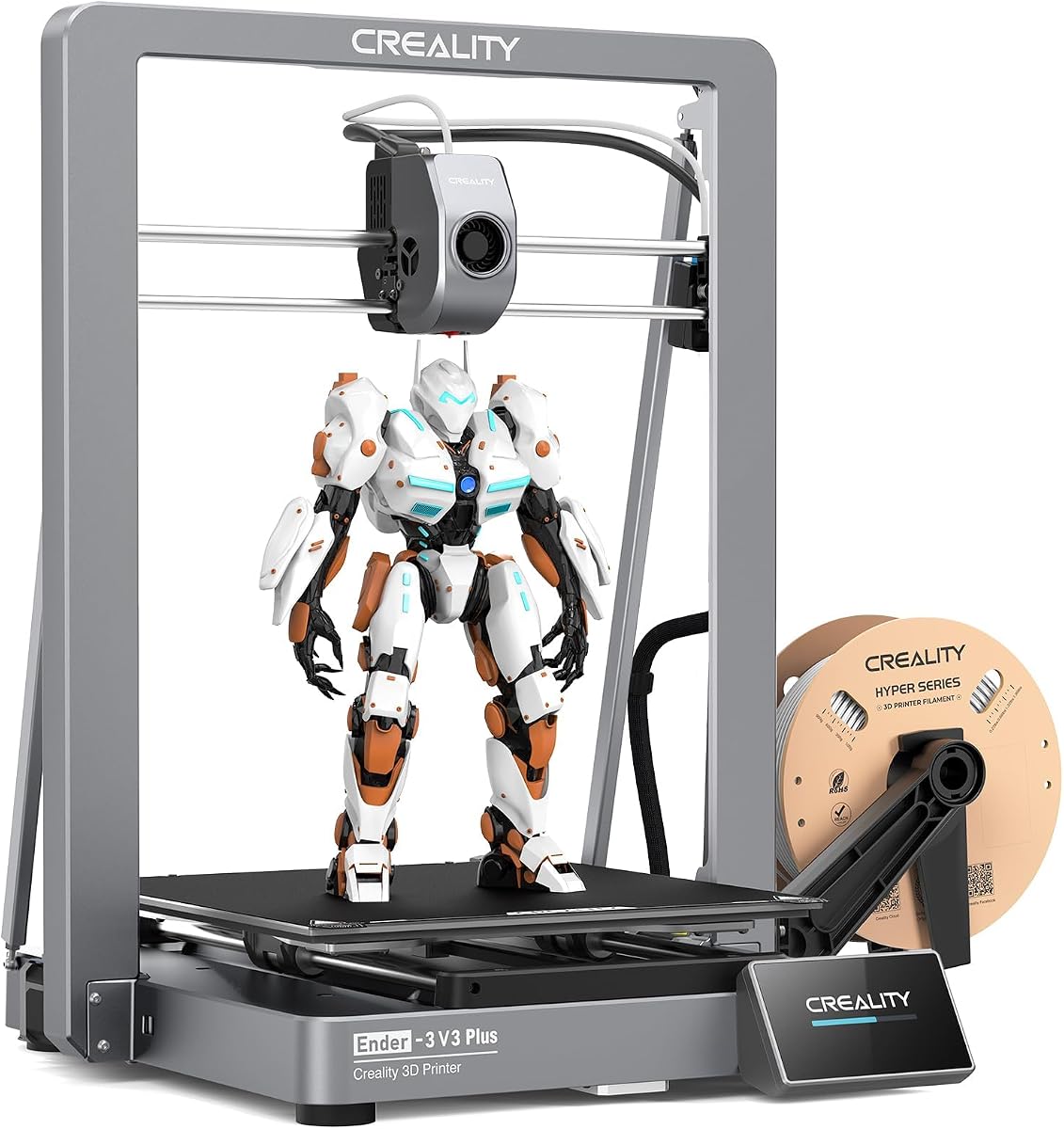
The Creality Ender 3 V3 Plus offers a 300mm volume with impressive 600mm/s speeds. Rated 3.7 stars, it provides rapid prototyping and high-speed performance at a reasonable cost.
We may earn a commission when you buy through this link, at no additional cost to you.
The CoreXZ system and auto calibration simplify setup. The durable nozzle and extruder handle various materials well, ensuring smooth flow.
The lower rating suggests potential issues with calibration or stability. Some users might find the tuning required more challenging than expected.
For those seeking speed in a compact form, this is a viable option. It serves well for small batch production and prototypes.
Printing up to 12 times faster than standard printers, it saves significant time on projects.
One-tap leveling reduces manual effort, getting prints started quickly.
We may earn a commission when you buy through this link, at no additional cost to you.
The LONGER LK5 Pro is great for beginners with its 90% pre-assembled setup. Rated 4.1 stars, it balances affordability with functionality for those entering FDM printing.
We may earn a commission when you buy through this link, at no additional cost to you.
Its open-source motherboard allows customization, while the resume feature prevents loss of progress. The touch screen and silent drivers enhance user experience.
Some adjustments may be required for optimal performance, and technology is not the latest. This might require patience for new users learning the ropes.
For learners needing a large build area without high cost, this is a solid entry. It supports experimentation and learning with ease.
With 90% pre-assembly, you can start printing almost immediately.
Open source access allows advanced users to modify code for specific needs.
We may earn a commission when you buy through this link, at no additional cost to you.
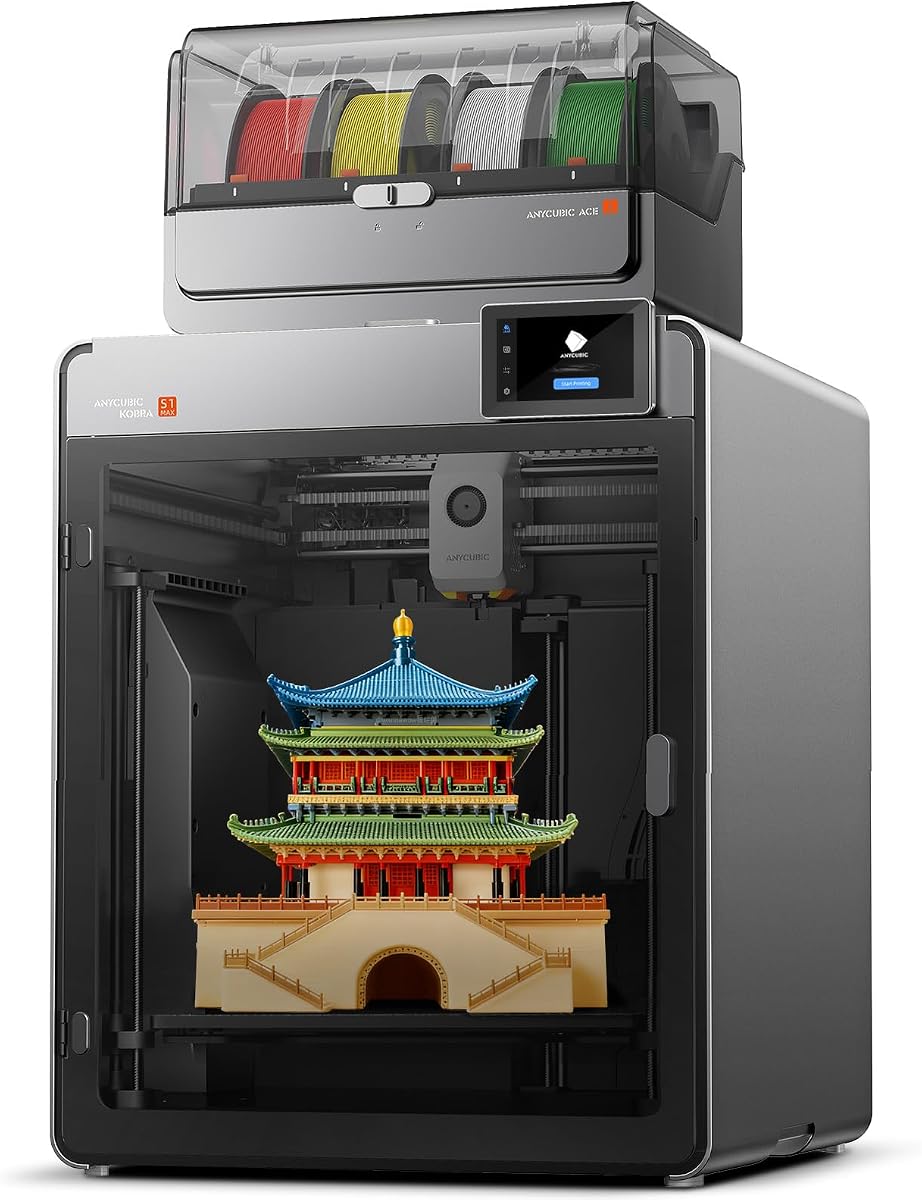
The Anycubic Kobra S1 Max offers a 350mm volume with high-speed CoreXY performance. Although rating is N/A, user reviews praise its speed and multi-color capabilities.
We may earn a commission when you buy through this link, at no additional cost to you.
The ACE 2 Pro enables seamless 4-color printing, while the 65C chamber supports engineering materials. Vibration compensation ensures quality at high speeds.
The rating is not available in current data, which adds uncertainty. Also, multi-color accessories add to the overall cost significantly.
For those needing reliable large format performance with multi-color options, this is a strong contender. It balances speed and stability well.
Active vibration compensation reduces ringing, ensuring smooth prints at 600mm/s.
Supports a wide range of filaments, including TPU and ABS, for diverse projects.
We may earn a commission when you buy through this link, at no additional cost to you.
Selecting the right Fdm Printer for Large Prints requires understanding key technical factors that impact performance, cost, and ease of use.
The build volume determines the maximum size of objects you can print in one piece. Look for dimensions that match your typical project sizes to avoid splitting parts.
Ensure the height and width accommodate your largest models to minimize assembly time.
Speed affects how quickly you can produce prints. Higher speeds like 600mm/s or 700mm/s reduce wait times but may require tuning for quality.
Balance speed with accuracy needs based on your specific application requirements.
A heated chamber helps prevent warping for materials like ABS. A temperature of 60C to 65C is ideal for engineering filaments.
Check if the chamber is enclosed and heated to ensure consistent print quality.
Multi-color systems allow printing complex designs without manual swaps. Options include CFS or ACE systems that manage filament changes automatically.
Consider whether you need this feature, as it adds to cost and complexity.
Auto leveling simplifies setup by adjusting the bed automatically. Look for multi-point leveling to ensure the first layer is perfect.
This feature reduces trial and error, saving time on every print.
Ensure the printer supports the filaments you plan to use. Some machines are optimized for PLA and PETG while others handle PC or ASA.
Check nozzle materials to ensure compatibility with abrasive filaments.
Integrated cameras and remote monitoring apps help track progress. Look for features like power loss recovery and filament runout sensors.
Software should be user-friendly with slicing tools that support your needs.
Set a realistic budget considering ongoing costs like filament and accessories. Reliable customer support and community resources help resolve issues quickly.
Compare warranty terms and availability of spare parts before purchasing.
Start by calibrating the bed level using the auto leveling system or manual methods to ensure first layer adhesion. Proper calibration prevents prints from detaching during the process.
Choose the right filament type for your project and load it correctly. Set the correct temperature in your slicer to match the material properties for best results.
Regularly clean the nozzle and check belts for tension. Keeping the machine dust-free and lubricated extends its lifespan and maintains print quality.
The largest build volumes for FDM printers typically range around 400mm cubes or larger. Some industrial models offer even bigger dimensions, but for desktop use, 400mm is a common standard for large prints.
Yes, a heated chamber is crucial for printing materials like ABS or PC. It prevents warping by maintaining a stable temperature throughout the print process.
Multi-color printing usually involves multiple extruders or a tool changing system. These systems swap filaments during the print to create different colored sections.
Auto leveling systems are highly reliable for large prints as they compensate for bed imperfections. Multi-point leveling ensures the entire bed is calibrated for consistent results.
PLA, PETG, and ABS are common choices. For large structural parts, consider reinforced materials like carbon fiber or nylon that require higher temperatures.
Use an enclosed chamber, heated bed, and adhesive like glue or tape. Keep drafts away and ensure the bed is clean and level to minimize warping risks.
Modern large format printers can reach speeds of 500mm/s to 800mm/s. However, balance speed with quality settings to avoid compromising print detail.
Most standard slicing software works well for large FDM printers. Look for tools that support multi-material and bed leveling features for advanced usage.
We have highlighted ten top models offering speed, volume, and reliability for large prints. Each option brings unique strengths to suit different user needs and project types.
Prioritize build volume and material support based on your specific workflow. Consider features like multi-color printing if you need complex designs.
Remember that availability and prices change often. Always check current listings before buying to ensure you get the best deal on your chosen Fdm Printer for Large Prints.