
HP Essential 14" Laptop 2026
4.2Editor score
Affordable Price Point
Lightweight Design
Wi-Fi 6 Connectivity
Finding the right laptop for back to school is crucial for academic success and personal productivity. Students need devices that balance performance, portability, and battery life to handle everything from research to creative projects.
We compared ten leading models based on processor speed, memory capacity, storage options, and display quality. Our analysis focuses on value for students, ensuring each pick meets the rigorous demands of modern coursework and daily use.
Each pick below highlights specific strengths like budget friendliness or premium features. Remember that prices change frequently, so check current listings before purchasing to secure the best deal for your specific needs.
4.2Editor score

4.4Editor score
4.7Editor score
As an Amazon Associate we earn from qualifying purchases.
This comparison table provides a side-by-side look at all ten models. We highlight key specifications like processor type, RAM, storage, and display size to help you quickly identify the best fit.




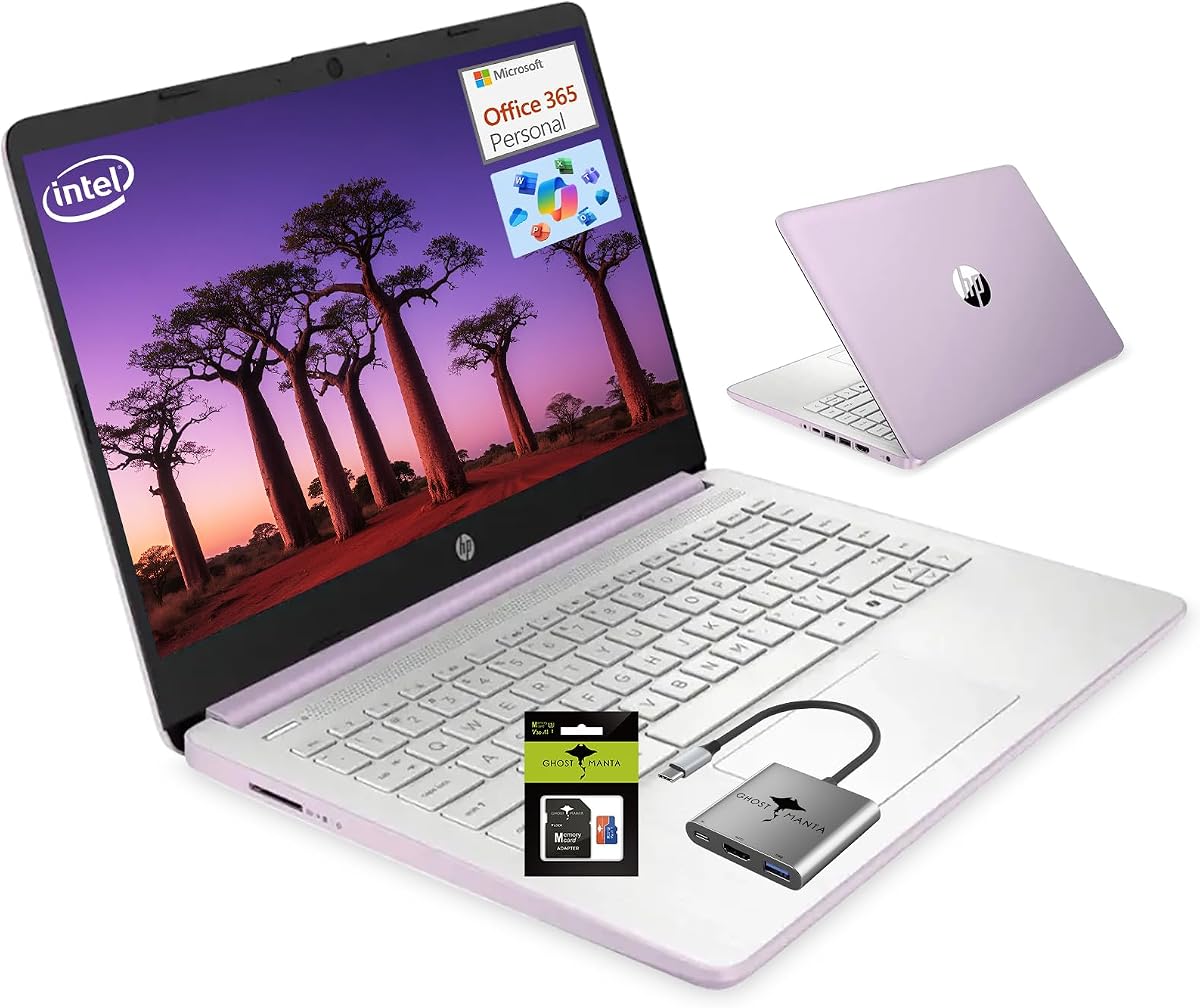
This HP 14-inch laptop stands out as a top contender for students needing reliable performance without breaking the bank. With a rating of 4.4, it balances modern specs like 8GB RAM with affordable pricing, making it ideal for academic tasks.
We may earn a commission when you buy through this link, at no additional cost to you.
The Intel Processor N150 delivers sufficient power for web browsing, document editing, and video conferencing. The 8GB of RAM ensures smooth multitasking between research tabs and applications, while WiFi 6 keeps you connected on campus.
Trade-offs include limited 128GB internal storage and a standard HD screen. However, the bundle often includes external storage options or cloud access, mitigating space issues for most student workflows and document storage needs.
Students seeking a balanced mix of performance, portability, and included software will find this model highly recommended. It supports all major coursework requirements while maintaining a sleek profile for daily carry.
Eight gigabytes of memory allow you to run multiple applications simultaneously without noticeable slowdowns. This is critical when researching while writing papers or attending virtual classes concurrently.
Access to Microsoft 365 ensures you have the latest productivity tools right out of the box. This eliminates the need for separate subscriptions and integrates seamlessly with school systems.
We may earn a commission when you buy through this link, at no additional cost to you.
The HP Essential 14-inch Laptop offers an entry-level solution for students prioritizing affordability. Its lightweight design and solid connectivity make it a practical choice for basic academic tasks and everyday use.
We may earn a commission when you buy through this link, at no additional cost to you.
Powered by the Celeron N4500, it handles word processing and web browsing efficiently. The H1 secure microcontroller adds a layer of data protection, which is essential for safeguarding student information and assignments.
Limitations include modest storage and RAM, which may require cloud reliance or external drives. However, these trade-offs are acceptable for budget-conscious buyers who primarily need a device for text-based work.
Ideal for younger students or those with basic computing needs, this laptop delivers value without unnecessary frills. It is a practical tool for staying organized and connected during the school year.
Weighing only 3.35 pounds, this laptop fits easily into standard backpacks. Its slim profile ensures it is comfortable to carry around campus all day.
The H1 secure microcontroller provides enhanced protection for your data and online activities. This security layer is vital for maintaining privacy while using public networks.
We may earn a commission when you buy through this link, at no additional cost to you.
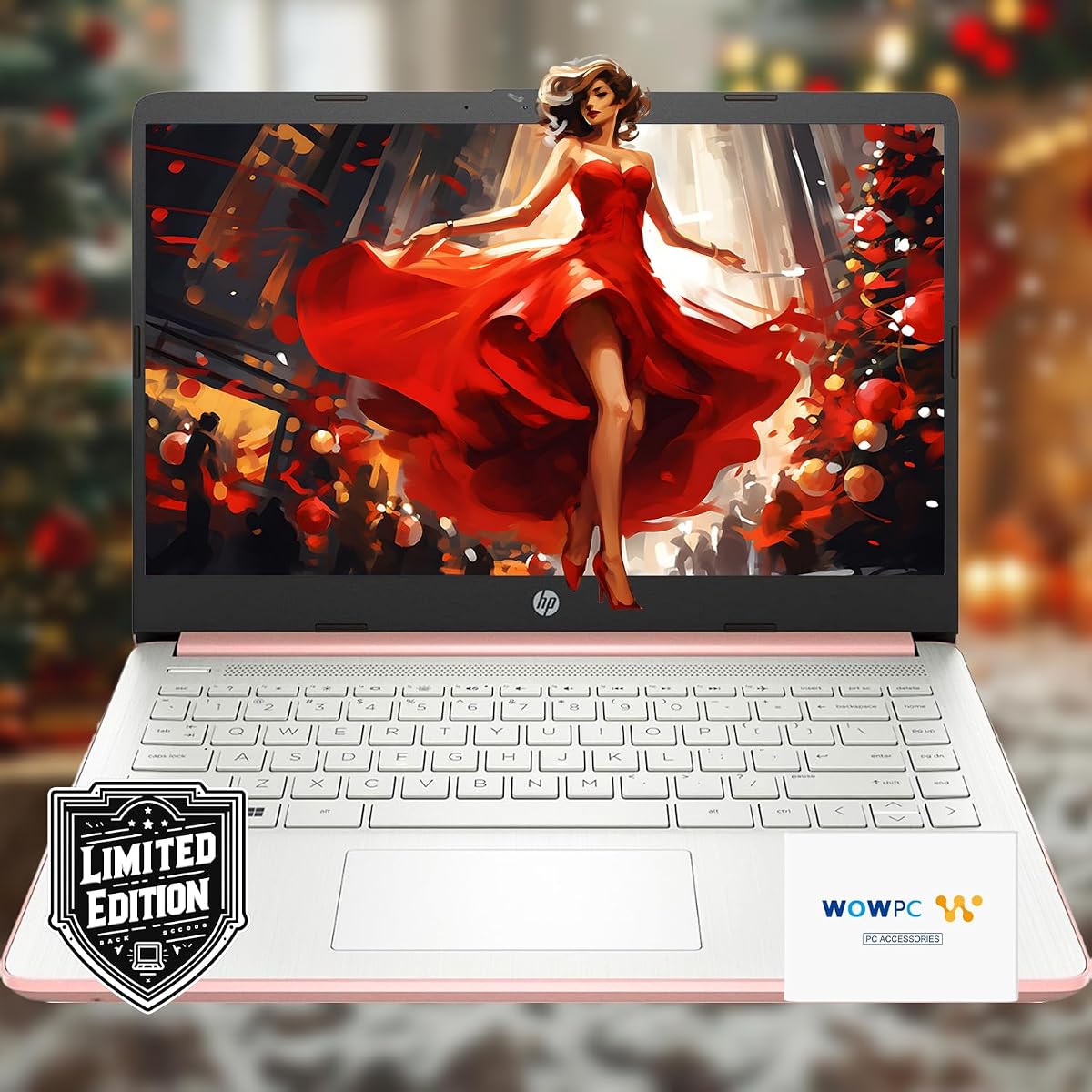
This Limited Edition model represents the premium tier for students needing robust performance and storage. With 16GB of RAM and a massive storage bundle, it handles complex projects with ease.
We may earn a commission when you buy through this link, at no additional cost to you.
The Intel quad-core processor paired with ample memory ensures smooth multitasking across heavy applications. The included external drive and cloud storage total 1600GB, eliminating concerns about running out of space.
While it comes at a higher price, the value is in its comprehensive specs and accessories. The rose gold finish adds a stylish touch that stands out compared to standard silver or gray models.
Students with demanding workloads like video editing or extensive data analysis should consider this model. It offers a premium experience that supports both academic rigor and personal creativity.
The total storage bundle includes onboard memory plus external and cloud options. This ensures you never run out of space for large files or archives.
With up to 11.5 hours of battery life, you can work all day without needing a charger. This is perfect for long study sessions on campus.
We may earn a commission when you buy through this link, at no additional cost to you.
This laptop bridges the gap between student and professional use with Windows 11 Pro and DDR5 RAM. The bundle includes essential accessories that enhance productivity for those starting careers or internships.
We may earn a commission when you buy through this link, at no additional cost to you.
Windows 11 Pro offers advanced features like BitLocker encryption and Group Policy management. This security and control are beneficial for users handling sensitive data or professional projects.
The main trade-off is the 4GB RAM limit, which might feel tight during heavy multitasking. However, the DDR5 technology improves efficiency, and the bundle offsets storage constraints effectively.
Ideal for students in business or IT programs needing Pro-level security, this model offers great utility. It is ready for both school assignments and real-world business scenarios.
Windows 11 Pro provides tools for encryption and remote access. These features are essential for maintaining data security during internships or work.
Accessories like earbuds and a wireless mouse come standard. This bundle saves money and prepares you for meetings or calls immediately.
We may earn a commission when you buy through this link, at no additional cost to you.
This HP model features Copilot AI integration for enhanced productivity through AI-assisted tasks. It offers a sleek design and solid battery life for students who prioritize style and mobility.
We may earn a commission when you buy through this link, at no additional cost to you.
The inclusion of Copilot allows for quicker text generation and data organization. This can help streamline homework and research processes significantly for students with busy schedules.
Standard 4GB RAM and limited storage might limit heavy usage. However, the energy-efficient design and fast charging make it reliable for on-the-go use throughout the day.
Best for students who value modern software features and design, this laptop supports everyday academic needs well. It is a stylish and capable device for general study purposes.
Copilot AI helps automate tasks like summarizing text or drafting emails. This speeds up research and writing assignments considerably.
The stylish willow green cover and natural silver keyboard offer a modern look. The lightweight build ensures it is comfortable to carry daily.
We may earn a commission when you buy through this link, at no additional cost to you.
This silver model is designed for straightforward daily tasks and basic productivity. It includes Copilot AI to assist with writing and organization tasks effectively.
We may earn a commission when you buy through this link, at no additional cost to you.
The anti-glare display helps reduce eye strain during long study sessions. Coupled with the included Office 365, it provides everything needed for standard coursework.
Performance is adequate for web browsing and document editing but not for heavy lifting. The price point reflects its focus on essential functions rather than high-end gaming or creative work.
Ideal for students needing a reliable tool for research and essays, this laptop offers value. It is a practical choice for those with straightforward academic requirements.
The screen coating reduces glare in bright environments. This makes it easier to read content in libraries or outdoors without eye fatigue.
Copilot AI helps streamline workflows by suggesting edits and organizing data. This reduces the time spent on administrative tasks.
We may earn a commission when you buy through this link, at no additional cost to you.
This Limited Edition model offers a compelling mix of modern DDR5 RAM and generous cloud storage. It is tailored for students who prefer storing files online rather than locally.
We may earn a commission when you buy through this link, at no additional cost to you.
The inclusion of 1TB cloud storage allows for seamless collaboration and data backup. This is particularly useful for sharing projects with classmates or accessing files across devices.
Local storage is limited, so reliance on internet connectivity is high. However, the performance benefits of DDR5 RAM ensure smooth operation even with cloud-based apps.
Ideal for students who rely on cloud workflows and need modern memory tech, this laptop is a great fit. It balances affordability with forward-looking storage and memory options.
DDR5 memory provides higher data rates than older standards. This improves overall system responsiveness and multitasking capabilities.
1TB of cloud storage ensures you have ample space for documents and media. This reduces the need for physical external drives.
We may earn a commission when you buy through this link, at no additional cost to you.
This Honey Lavender model stands out for its unique aesthetic and solid 8GB RAM capacity. It is designed for students who want a device that looks good and performs well for daily tasks.
We may earn a commission when you buy through this link, at no additional cost to you.
The 256GB total storage via UFS and SD card provides reasonable space for apps and media. This flexibility ensures you can store more locally without external drives.
Performance is balanced for everyday use, though heavy tasks may see slowdowns. The stylish color makes it easy to spot in a backpack, adding to its appeal.
Ideal for creative students or those who value visual style, this laptop combines practicality with personality. It is a strong choice for school and personal use.
The Honey Lavender finish offers a distinctive look compared to standard colors. This adds personality to your tech setup.
The included SD card adds to the base storage capacity. This allows for easy expansion without complex upgrades.
We may earn a commission when you buy through this link, at no additional cost to you.
This Chromebook is perfect for students who rely on Google services and need a secure, fast-booting system. Its Chrome OS is optimized for web-based tasks and simplicity.
We may earn a commission when you buy through this link, at no additional cost to you.
The device supports 4K streaming and has excellent battery life for all-day use. It is lightweight and durable, making it a great companion for daily school commutes.
Offline capabilities are limited compared to Windows, but cloud tools fill many gaps. The secure operating system reduces maintenance and protects against common threats effectively.
Ideal for students who live in the browser and need simplicity, this Chromebook is reliable. It is a practical choice for web-centric academic requirements.
Chrome OS offers built-in security features and automatic updates. This ensures your device stays safe and current without manual intervention.
Up to 14 hours of battery life supports a full day of classes. You do not need to worry about carrying a charger everywhere.
We may earn a commission when you buy through this link, at no additional cost to you.
This 15.6-inch model offers a large screen and significant RAM, making it great for multitasking and viewing large documents. The storage bundle provides plenty of space for media and files.
We may earn a commission when you buy through this link, at no additional cost to you.
The 16GB RAM ensures that you can run multiple applications without lag. This is beneficial for students who need to keep several research tabs open simultaneously.
The processor is modest, so high-end tasks are better suited to more powerful CPUs. However, for general student work, it performs well within expectations.
Ideal for students who prefer a larger display for reading and writing, this laptop is a strong option. It provides substantial memory and storage for comprehensive school needs.
A 15.6-inch screen provides more real estate for documents and tabs. This reduces the need for constant scrolling and switching windows.
Sixteen gigabytes of memory support heavy multitasking environments. This keeps your workspace fluid even when running complex tools.
We may earn a commission when you buy through this link, at no additional cost to you.
Selecting the right laptop involves balancing performance, portability, and budget. Here are key factors to consider before making your purchase.
The processor is the brain of your laptop. For standard schoolwork like word processing and web research, entry-level processors like Intel N150 are sufficient. However, if you plan on editing video or running engineering software, look for Core i3 or i5 models.
Prioritize quad-core processors to ensure smooth multitasking between applications and tabs.
RAM determines how many apps you can run at once. 4GB is the minimum for basic tasks, but 8GB is recommended for a smoother experience. If you are a power user, consider 16GB to avoid slowdowns during heavy use.
More RAM means better longevity as software requirements increase over time.
Storage holds your files and operating system. SSDs are faster than traditional hard drives. If you lack internal space, external drives or cloud storage like OneDrive can extend capacity effectively.
Opt for a model that supports expandable storage for future needs.
Laptops should fit easily in backpacks. Models under 3.5 pounds are ideal for carrying around campus daily. A slim profile reduces bulk and makes storage in tight spaces easier.
Lightweight builds prevent fatigue when carrying the device for long periods.
Battery life determines how long you can work unplugged. Look for devices that promise at least 8 to 10 hours of real-world use. This ensures you can attend classes without hunting for outlets.
Fast charging capabilities add convenience for quick top-ups between sessions.
A good screen reduces eye strain during long study hours. Look for anti-glare coatings and Full HD resolution. Larger screens offer more workspace but may reduce portability.
Balance screen size with mobility needs for your specific lifestyle.
Ensure the laptop has necessary ports like USB-C and HDMI for connecting monitors or projectors. Wi-Fi 6 support ensures fast and reliable internet on campus networks.
USB-C charging is a modern standard that adds convenience for travel.
Software bundles like Microsoft 365 save money and streamline workflow. Check if the model includes a full year subscription to essential apps. This is crucial for academic writing and grading tasks.
Free subscriptions reduce total ownership costs significantly.
Always store your laptop in a padded sleeve to protect it from physical damage during transit. Keep it in a dry and cool environment to prevent overheating and moisture damage.
Regularly update your operating system and software to maintain security and performance. Use password managers to keep your login credentials secure across different platforms.
Clean your screen with a microfiber cloth regularly to maintain clarity. Avoid eating or drinking near your device to prevent spills that could cause hardware failure.
Most models here are designed for productivity rather than gaming. While casual games may run, dedicated graphics cards are not included in this selection. For serious gaming, look for laptops with dedicated GPUs.
Basic models may struggle with heavy CAD or simulation software. Students in demanding majors should look for higher RAM and powerful processors beyond the entry-level specs found here.
SSDs are generally faster and more durable than eMMC storage. While eMMC is adequate for basic apps, SSDs provide quicker boot times and file access speeds for a better experience.
Many modern ultrabooks have soldered RAM, meaning it cannot be upgraded. Always check the specific product details before buying if you plan on upgrading components later.
Yes, most models include a standard one-year hardware warranty. Always check the seller's policies for extended warranty options or accidental damage coverage.
Choose Windows for compatibility with a wider range of professional software. Choose Chrome OS for simplicity and long battery life if you rely mostly on web-based tools.
We reviewed ten top laptops for back to school, highlighting performance, portability, and value. The HP 14 N150 and Essential models stand out for their balance of specs and price.
Prioritize RAM and battery life to ensure your device lasts through the academic year. A larger screen helps with research but may add weight, so choose based on your carrying needs.
Prices and availability change frequently, so check current listings before you buy. Select the model that best fits your coursework requirements and budget constraints.