
Video Conference Lighting & Computer Light
4.1Editor score
USB Plug-and-Play
3 Color Modes
Clip or Magnetic Mount
Finding the right Internal PC Work Lights can transform your workspace into a productive haven. Proper illumination reduces eye strain and boosts focus during long sessions. We reviewed ten top models to help you choose.
Our team analyzed these lights based on brightness, adjustability, and eye care features. We compared monitor bars, clip lamps, and webcam fill lights. Each product offers unique benefits for different desk setups.
Each pick highlights specific strengths and ideal use cases. Note that stock and pricing fluctuate often. Check the latest details before purchasing to ensure you get the best value for your needs.
4.1Editor score

4.2Editor score

4.5Editor score
As an Amazon Associate we earn from qualifying purchases.
Here is a side-by-side look at all ten products to help you compare specs and features quickly.
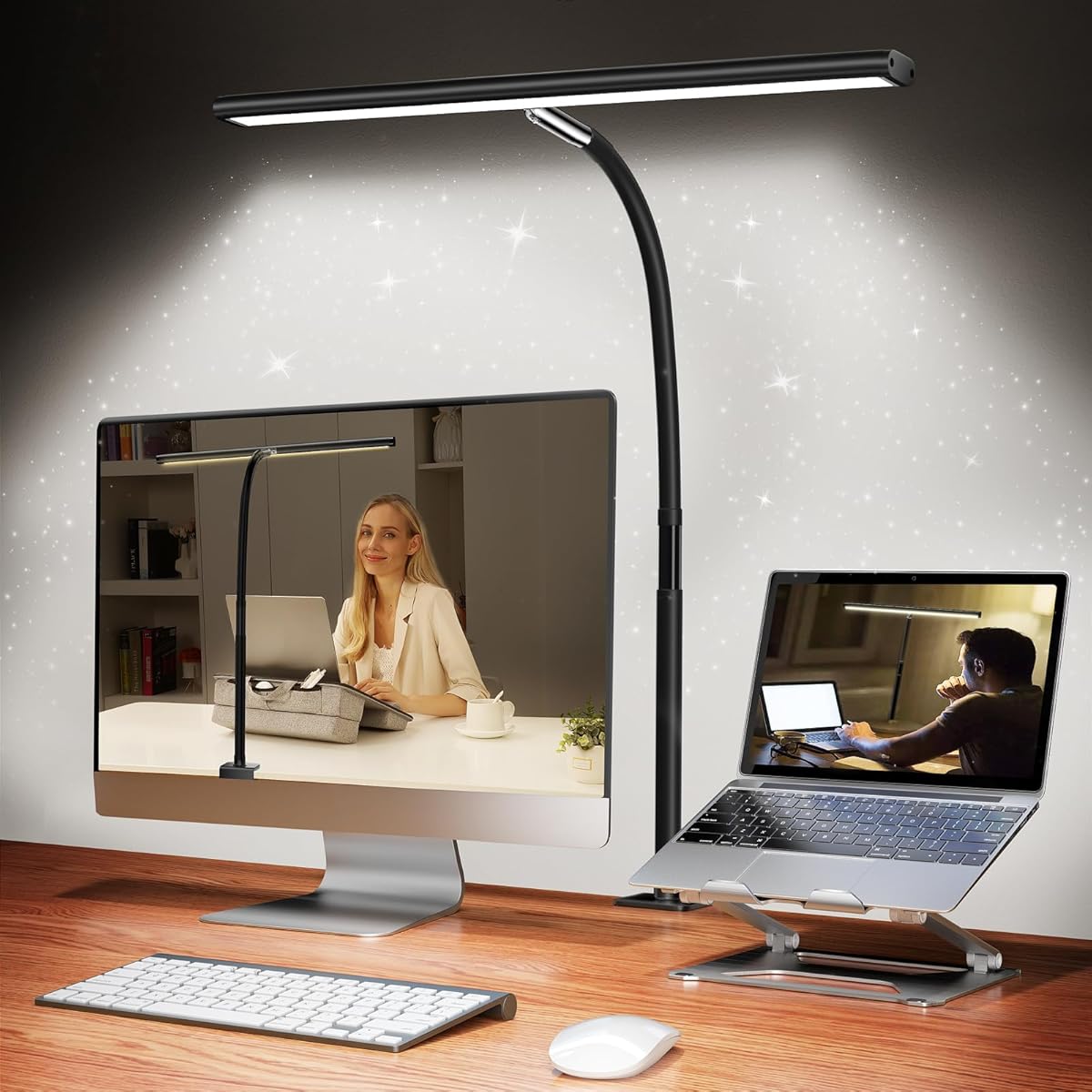



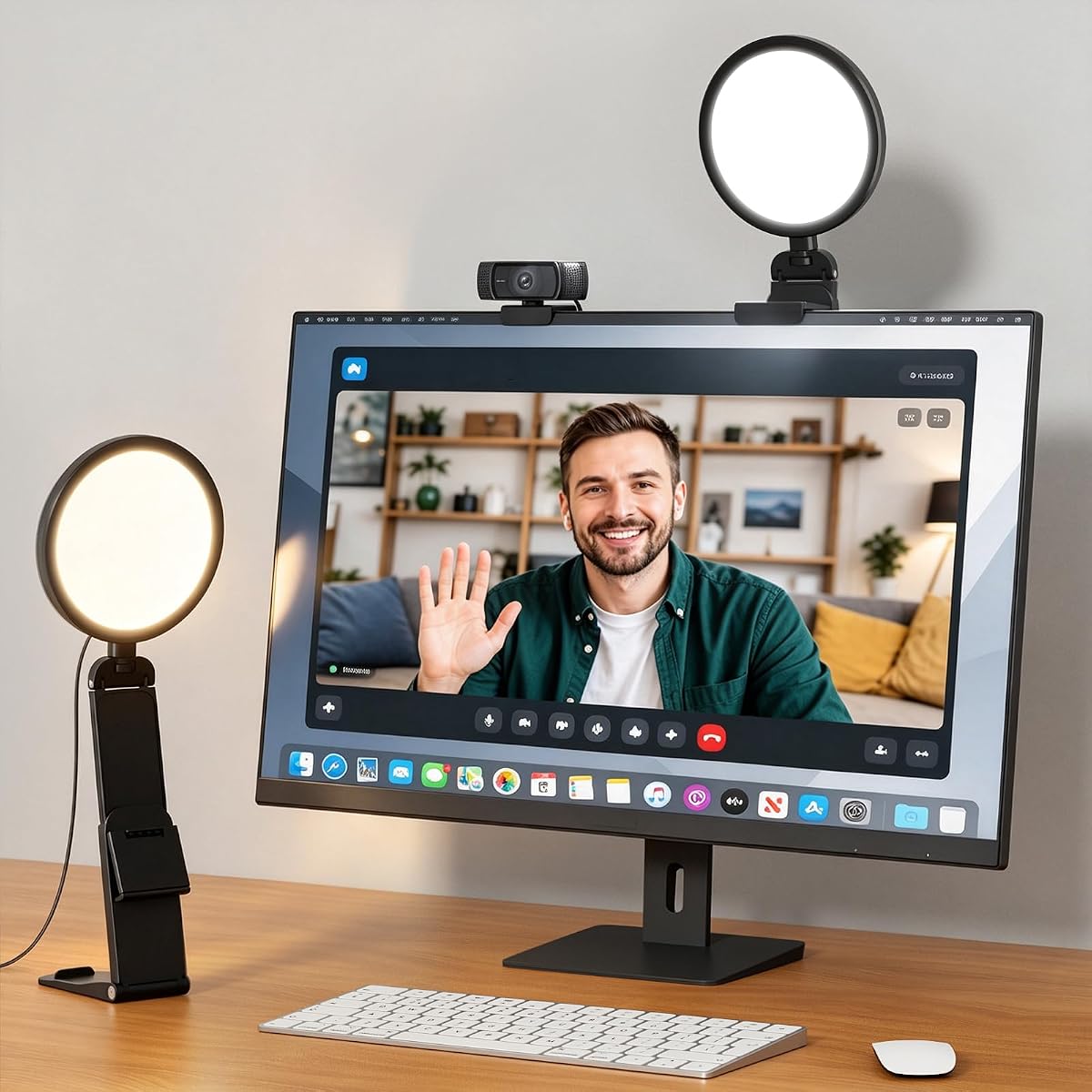

This monitor light bar stands out as an excellent choice for general desktop use. With a 4.2 rating, it offers reliable performance for work and gaming sessions. Its wide coverage ensures your desk is well-lit without glare.
We may earn a commission when you buy through this link, at no additional cost to you.
The 800 lux brightness provides ample light for reading documents or typing. The three color temperatures allow you to adjust the tone from warm to cool. The memory function saves your preferred settings automatically.
While it lacks advanced digital controls, the mechanical switch is straightforward. The mounting clip secures well to most screens. It does not take up desk space, keeping your area organized.
Ideal for users wanting simple, effective lighting. It is a strong option for those who prioritize eye comfort. We recommend it for anyone needing a dedicated desk lamp without bulk.
The 45-degree beam angle directs light only to the desk. This minimizes direct exposure to your eyes.
A patented counterweight clip installs in seconds. It fits curved and flat monitors securely.
We may earn a commission when you buy through this link, at no additional cost to you.
This lamp offers significant flexibility with its long gooseneck design. The 360-degree adjustability lets you point light exactly where needed. It is perfect for drafting or multi-monitor setups.
We may earn a commission when you buy through this link, at no additional cost to you.
The stepless dimming gives you precise control over brightness. You can set it to a dim 1 percent or full 100 percent. The included adapter ensures stable power delivery.
The metal clamp is sturdy but may not fit very thick desks. The wire management feature keeps cables tidy. It is a practical tool for creative work.
Recommended for tasks requiring directed light. Its 4.5 rating reflects user satisfaction. Consider this if you need to move light around frequently.
The flexible neck allows full rotation. You can adjust height and angle easily.
LED beads consume less energy. It offers a long operational lifespan.
We may earn a commission when you buy through this link, at no additional cost to you.
Designed for content creators, this light improves video quality. The TrueSoft technology ensures natural skin tones. It is ideal for Zoom calls or streaming sessions.
We may earn a commission when you buy through this link, at no additional cost to you.
The frameless diffuser creates soft, flattering light. You can control settings via the G HUB app. This adds convenience for customizing your look.
It is smaller than desk lamps but very effective for face lighting. The mount allows flexible placement. The price is higher but justified for pros.
Best for streamers and remote workers. It helps you look professional on camera. A solid investment if appearance matters.
Cinematic lighting enhances your video. It reduces unflattering shadows.
Use the desktop app for control. Save your favorite presets easily.
We may earn a commission when you buy through this link, at no additional cost to you.
This lamp offers extensive customization with its remote control. You can switch between modes without touching the unit. It supports reading and drafting tasks well.
We may earn a commission when you buy through this link, at no additional cost to you.
Five color temperatures and brightness levels give you options. The swing arms allow wide coverage. It is a versatile choice for home offices.
The lack of a rating makes it a newer product. However, features are robust. It may appeal to those who want variety.
Consider if remote convenience is key. It balances function and adaptability. A good alternative to standard lamps.
Change settings wirelessly. This saves you from reaching the lamp.
Arms fold and rotate. Position light exactly as needed.
We may earn a commission when you buy through this link, at no additional cost to you.
This bar combines task lighting with RGB ambiance. It reduces eye strain with front light. The RGB backlight adds style to your setup.
We may earn a commission when you buy through this link, at no additional cost to you.
You can use the lights independently. Front light for work, RGB for fun. The USB-C connection is modern and versatile.
It is a budget-friendly way to add lighting. The controls are intuitive. It fits most monitors well.
Great for gamers who want style. It keeps the desk clear. Consider it if mood lighting matters.
Front light aids focus. Backlight creates atmosphere.
USB-C ensures compatibility. It works with many adapters.
We may earn a commission when you buy through this link, at no additional cost to you.
This lamp spans large desks with dual heads. It is perfect for multi-monitor users. The touch controls allow precise adjustments.
We may earn a commission when you buy through this link, at no additional cost to you.
It saves your settings with memory. Auto-off timers help save energy. The clamp holds securely on thick desks.
The size is substantial but functional. It covers more area than single bars. Good for shared workspaces.
Ideal for large setups. It provides consistent light everywhere. Consider this if desk width is wide.
Double heads cover wide areas. It lights up dual screens well.
Auto-off saves power. Read before bed without worry.
We may earn a commission when you buy through this link, at no additional cost to you.
You get two lights in this pack. It allows multi-device lighting. They are compact and foldable. Great for travelers.
We may earn a commission when you buy through this link, at no additional cost to you.
The CRI ensures color accuracy on camera. This is important for professional calls. The edge-lit tech reduces glare.
They are easy to carry around. You can use them on laptops too. It is a flexible solution for mobile workers.
Best for those needing spare lights. It covers multiple spots. Consider if you want two units.
High CRI shows true tones. You look natural on video.
Lightweight design packs well. It fits in bags easily.
We may earn a commission when you buy through this link, at no additional cost to you.
This light has a premium feel and finish. The asymmetric design avoids screen glare. It turns on with your PC automatically.
We may earn a commission when you buy through this link, at no additional cost to you.
You can adjust settings remotely. The high CRI shows colors well. It is perfect for detailed work.
The auto feature is a nice touch. It saves effort every time. The build is sturdy and sleek.
Recommended for tech enthusiasts. It integrates smoothly into workflow. Good for modern minimalist setups.
Remote is fast and responsive. Adjust without touching monitor.
Turns on with computer. Saves manual steps daily.
We may earn a commission when you buy through this link, at no additional cost to you.
This light is built for high-end streaming. It offers professional lighting effects. TrueSoft delivers balanced color and tone.
We may earn a commission when you buy through this link, at no additional cost to you.
Multiple mounts give you positioning options. You can direct light precisely. It works via Bluetooth or USB.
It is pricey but built to last. Safety certifications allow extended use. It elevates your stream quality.
Best for serious gamers. It helps you look your best. Consider if you stream often.
TrueSoft ensures natural skin. It looks great on camera.
Multiple points allow flexibility. Place it exactly where needed.
We may earn a commission when you buy through this link, at no additional cost to you.
This light offers great value for money. It improves appearance on calls easily. The magnetic mount is quick to use.
We may earn a commission when you buy through this link, at no additional cost to you.
You have three modes to choose from. Brightness levels are sufficient for calls. It plugs straight into USB.
It is small and unobtrusive. Ideal if you have limited desk space. The controls are inline and simple.
Best for budget-conscious buyers. It gets the job done well. Consider it for basic meeting needs.
No drivers needed. Plug in and start using.
Small panel fits on laptop. Keeps your workspace open.
We may earn a commission when you buy through this link, at no additional cost to you.
Selecting the right light involves considering how you use your desk. These factors help narrow down the choices.
Brightness affects your comfort and visibility. Look for models that offer adjustable levels. This allows you to adapt to room conditions.
Higher lumens are better for tasks. But dimmer options save energy.
Different tasks suit different light tones. Cooler light helps focus during work. Warmer light relaxes for evening use.
Choose a lamp with multiple settings. Flexibility adds value to your setup.
Prolonged computer use can strain eyes. Lights with reduced glare help prevent this. Flicker-free technology is also important.
Look for specific claims about eye safety. It protects your vision long-term.
Some lights clamp while others sit. Clamp types save desktop space. Desktop ones may be more stable.
Check if the mount fits your screen. A wrong fit is frustrating.
Most use USB for easy connection. Others come with wall adapters. USB offers more portability.
Ensure your port supports the power. A weak source causes issues.
Controls can be physical or digital. Touch screens are modern but physical are reliable. Consider what you prefer.
Smart control adds convenience. It suits tech-forward users.
Your light should match your style. Sleek bars fit modern desks better. Bulkier lamps may look old.
Choose a design that pleases you. It improves workspace satisfaction.
Prices vary widely across models. More features mean higher costs. Decide how much you want to spend.
Basic options often work well. Don't overpay for unused features.
Position the light so it does not reflect on your screen. Angle it slightly forward to illuminate your workspace.
Clean the surface regularly to maintain brightness. Dust can reduce the effectiveness of LEDs over time.
Store portable units carefully. Avoid bending wires or forcing clips. This extends the product life.
Yes, they provide targeted illumination that reduces contrast. This makes reading easier. Look for eye-care claims to ensure safety.
Some models are designed for laptops. Check the clamp size. Others use magnetic bases for easy attachment.
LEDs typically last thousands of hours. Many models claim 50,000 hours. This makes them a long-term investment.
Most use standard USB ports. They do not need special outlets. This makes them convenient for office use.
It adds convenience for quick changes. Physical buttons are also reliable. Choose based on your workflow needs.
Yes, many are suitable for streaming. Look for high CRI and adjustable settings. It ensures you look good on camera.
Use a soft, dry cloth. Avoid water directly on the unit. This protects the electronics inside.
Yes, LEDs consume very little power. They are efficient compared to incandescent bulbs. This saves electricity over time.
We covered ten top models for every need. Whether you want budget or premium, there is an option. Each brings unique benefits to your desk.
Prioritize features that matter most. Eye care and adjustability are key. Decide based on your daily tasks.
Always check current stock and details. Prices and availability change often. Ensure you buy the latest model.