
Arsvita CD Laser Lens Cleaner Disc Cleaning Set
4.2Editor score
Includes cloth and manual
Two brush cleaning process
Fixes skipping issues
This guide compares the top CD and DVD Player Cleaner options to help you restore playback quality and extend device lifespan effectively.
Over time dust and debris accumulate on laser lenses causing playback issues. A quality cleaner disc can restore performance and prevent skipping without opening the device.
We evaluated ten top rated cleaning kits based on user feedback and technical specifications. Each product offers unique features like brush systems or fluid kits for comprehensive care.
Every pick highlights key benefits and limitations to help you choose wisely. Prices fluctuate so check current listings before purchasing your preferred cleaning solution today.
4.2Editor score

4.2Editor score
4.2Editor score
The following table presents a side by side overview of all ten products. Compare their unique features and included accessories to find the right match for your needs.






This product features ultra-fine synthetic fibers designed to clean optical lenses. It holds a strong rating and is recommended by the manufacturer for regular use.
We may earn a commission when you buy through this link, at no additional cost to you.
The Thunderon brush system impregnated with copper ensures maximum cleaning and demagnetization. It targets dust causing dropouts and helps restore audio video quality effectively.
While effective on most players it is not suitable for PS3 PS4 or Wii U. The brush may show wear after twenty usages suggesting periodic replacement is wise.
Ideal for anyone seeking a trusted name in media maintenance. It balances cost and performance well for home theater and gaming console owners.
The copper impregnated fibers remove static build-up that attracts dust particles.
Safe for use with Xbox and PS1 PS2 consoles ensuring broader compatibility.
We may earn a commission when you buy through this link, at no additional cost to you.
This kit offers an affordable entry point for cleaning optical devices. It includes a cleaner disc and a piece of glasses cloth for convenience.
We may earn a commission when you buy through this link, at no additional cost to you.
The two-brush clean process removes dirt and dust deposits that cause dropouts. Cleaning the lens can extend service life and improve image quality simultaneously.
It works with standard CD VCD and DVD players but not gaming consoles. The lack of fluid means it relies purely on mechanical brushing for dirt.
Best for budget-conscious buyers needing basic maintenance. It provides essential cleaning tools without extra costs for fluids or advanced features.
Includes a single disc and cloth to handle immediate cleaning needs quickly.
Targets slow loading and freezing issues by clearing the laser path effectively.
We may earn a commission when you buy through this link, at no additional cost to you.
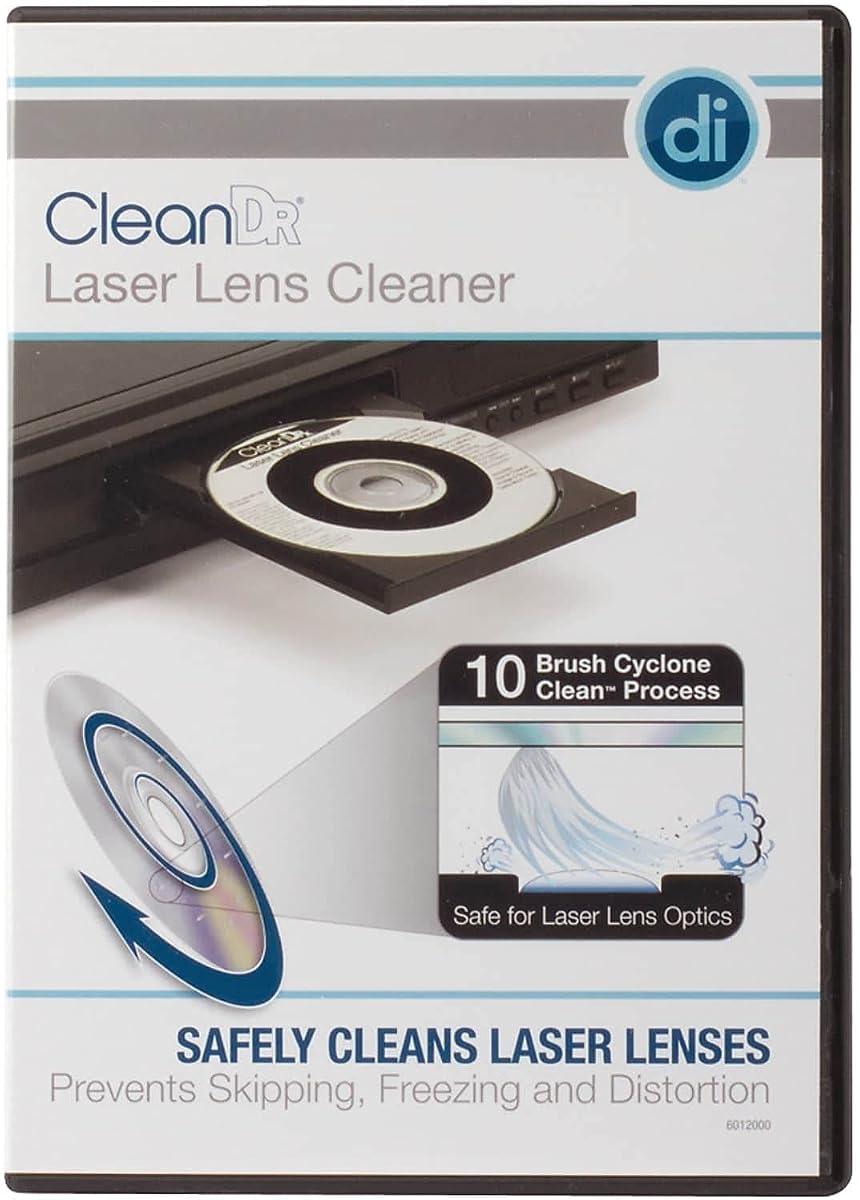
This premium option utilizes an exclusive ten-brush cyclone process for thorough cleaning. It is designed to optimize CDs DVDs and game system performance reliably.
We may earn a commission when you buy through this link, at no additional cost to you.
The three-stage process demagnetizes and removes dust ensuring optimal performance. It extends the life of players and improves sound and image quality significantly.
It is not recommended for multi-disc players or Blu-Ray systems. Users should avoid PS3 PS4 consoles when using this specific cleaning disc.
Ideal for tech enthusiasts wanting advanced features. The cyclone process offers a more rigorous cleaning experience than standard two brush models.
Rotates brushes to reach dirt in complex lens geometries thoroughly.
Ensures smooth operation across computers and compatible game consoles alike.
We may earn a commission when you buy through this link, at no additional cost to you.
This version adds disc cleaning fluid to the standard disc and cloth kit. It improves sound and image quality while extending service life for players.
We may earn a commission when you buy through this link, at no additional cost to you.
The two-brush clean process removes dirt effectively and the fluid helps dissolve grime. Users receive an after sales card ensuring 24 hour support if issues arise.
It is not compatible with Bose players or most gaming consoles. The fluid bottles may be small so users should use them sparingly.
Best for users needing chemical assistance alongside brushing. The fluid helps where dry brushing might miss stubborn dust deposits inside the player.
Combines mechanical brushing with liquid solution for deeper cleaning results.
Provides access to a support team ready to serve at any time.
We may earn a commission when you buy through this link, at no additional cost to you.
This model is similar to the 04 but offers a slightly different bundle composition. It includes a cleaner disc cloth one fluid bottle and an after sales card.
We may earn a commission when you buy through this link, at no additional cost to you.
Cleaning the laser lens extends the service life of CD VCD DVD players. The two-brush process removes dust deposits that cause video dropouts effectively.
It lacks compatibility with major gaming consoles like Xbox. The fluid may be sufficient for a single cleaning session depending on usage.
Suitable for home audio users needing extra fluid. It balances simplicity with enhanced features for basic optical drive maintenance tasks.
Regular cleaning helps prevent mechanical strain on the laser assembly components.
Designed for effortless operation by homeowners with minimal technical experience.
We may earn a commission when you buy through this link, at no additional cost to you.
Endust is a known brand for electronics care products. This cleaner safely cleans the lens of any device that is CD DVD compatible.
We may earn a commission when you buy through this link, at no additional cost to you.
Users must turn device audio on for use instructions once the disc is inserted. It removes dust and dirt from your disc player effectively.
It is perfect for office desktops and home office setups. The audio instructions ensure correct usage but may be distracting in quiet spaces.
Best for office environments needing reliable cleaning. It ensures consistent performance for shared computers and media devices in workspaces.
Designed specifically for school use and office desktop environments.
Provides spoken instructions to ensure users clean the lens correctly.
We may earn a commission when you buy through this link, at no additional cost to you.
This kit offers a full cleaning solution with liquid and cloth included. Voice guidance helps users navigate the cleaning process easily.
We may earn a commission when you buy through this link, at no additional cost to you.
The whole process takes only three minutes ensuring quick maintenance sessions. It solves playback issues like slow loading and frozen images effectively.
It is not compatible with PS1 PS2 or Xbox systems. The microfiber cloth allows for cleaning external discs after the lens is cleaned.
Ideal for users wanting an all-in-one kit. The voice guidance makes it accessible for those unfamiliar with optical drive maintenance.
Offers audio cues to guide users through the cleaning steps smoothly.
Designed for fast three minute cleaning cycles for minimal downtime.
We may earn a commission when you buy through this link, at no additional cost to you.
This kit is optimized for speed with a cleaning process of only 1.5 minutes. It includes a microfiber cloth to clean external discs as well.
We may earn a commission when you buy through this link, at no additional cost to you.
It helps extend the life of the machine by cleaning dirty laser lenses. The voice guidance and testing ensure the player channels work properly.
It does not support PS or Xbox systems. The lack of fluid means it relies on the disc brush mechanism for cleaning.
Best for quick routine maintenance. It saves time with a shorter process compared to standard cleaning kits.
The fastest process in this category for quick maintenance tasks.
Includes left and right channel testing to verify audio output.
We may earn a commission when you buy through this link, at no additional cost to you.
These wipes are designed for cleaning the disc surfaces rather than the player lens. They remove dirt dust smudges and fingerprints that impact playback.
We may earn a commission when you buy through this link, at no additional cost to you.
Soft non-abrasive wipes ensure safety for optical media. Helping prevent skipping ensures a smooth uninterrupted experience while enjoying media.
They are ideal for routine maintenance of the discs themselves. For lens cleaning users should consider a dedicated lens cleaner product.
Best for keeping discs in top condition. It complements lens cleaning by ensuring media is free of surface contaminants.
Soft wipes help maintain the longevity and optimal function of optical media.
Effectively removes fingerprints and dust to ensure clear playback.
We may earn a commission when you buy through this link, at no additional cost to you.
This model features an eight brush carbon system designed to remove static build-up. It helps prevent skipping in DVD CD drives and game players.
We may earn a commission when you buy through this link, at no additional cost to you.
Static build-up can damage sensitive electronic components over time. This cleaner targets that issue to ensure stable playback performance.
It is a basic cleaning disc without added fluids. The packaging may vary so users should expect standard cleaning disc components.
Suitable for users needing static reduction. It offers a straightforward cleaning solution for older drives prone to static issues.
Targets static build-up to prevent damage and improve read stability.
Designed for multiple drive types including Apple and game systems.
We may earn a commission when you buy through this link, at no additional cost to you.
Selecting the right cleaner depends on your specific device needs and maintenance habits. Below are key factors to consider before purchasing.
The number and type of brushes affect cleaning effectiveness. Models with more brushes often offer better coverage of the lens surface.
Look for high-density fiber brushes for superior cleaning results.
Some kits include cleaning fluid while others rely solely on dry brushing. Fluids help dissolve stubborn grime better than dry brushes.
Choose liquid kits for heavily soiled players and dry kits for routine maintenance.
Not all cleaners work with game consoles like Xbox or PlayStation. Always verify supported devices before buying to avoid incompatibility.
Check the product specs for supported console models clearly.
Many kits include microfiber cloths or glasses for external cleaning. Additional accessories add value to the purchase price.
Prioritize kits that include a cloth for complete care solutions.
Established brands often provide better quality assurance and customer support. Reading reviews helps verify the reliability of a cleaning product.
Stick to well-reviewed brands to ensure product safety.
Look for cleaners with clear voice guidance or instructions. Simple usage ensures effective cleaning without risking damage to the player.
Audio guides are helpful for avoiding installation errors.
Insert the cleaning disc with the label facing up as directed. Ensure the player is powered on and ready to read the disc.
Allow the disc to spin for the duration indicated in the instructions. Do not eject the disc until the process completes fully.
Store the disc in its case after cleaning to prevent scratches. Repeat the process every few months to maintain optimal performance.
It is recommended to clean the lens every few months depending on usage. Heavy usage requires more frequent maintenance to prevent skipping and loading issues.
Properly designed discs are safe for most players. However always follow instructions and avoid excessive use to prevent wear on the lens.
Most cleaners do not support PS3 or PS4. Always check compatibility specs before using on gaming consoles to avoid damage.
Wet cleaners use fluid to dissolve grime while dry ones use brushes. Wet cleaners are better for stubborn dirt while dry ones are for routine maintenance.
Symptoms include slow loading freezing or skipping during playback. If discs play poorly cleaning the lens often resolves these issues.
Yes it helps clean external discs which can also cause playback issues. It is a useful addition for maintaining your media library.
We covered ten top options ranging from basic brushes to advanced kits. Each offers unique benefits for restoring playback quality.
Prioritize compatibility with your specific devices to ensure safe use. Look for kits with fluids if you need deep cleaning power.
Prices change so check current listings to find the best deal for your needs. Regular maintenance ensures your devices run smoothly.