
Standard 5ft 10 Amps 125 Volts Black 3 Prong AC Power Cord Cable
4.7Editor score
Affordable price point
Durable construction
Universal 3 pin
This guide compares the top ASUS Monitor Power Cord Replacement options for 2026 focusing on compatibility voltage safety and performance for your display
Finding the right power solution for your display is essential for stable operation. A reliable replacement ensures your screen receives consistent energy without flickering or shutting down unexpectedly during use.
We compared ten highly rated adapters based on compatibility voltage output and safety certifications. Each product was selected for its ability to work with a wide range of popular ASUS monitor models available today.
Every pick shows specific model compatibility and key technical details to help you choose confidently. Please note that prices and availability can change frequently so check the latest listings before purchasing.
4.7Editor score

4.8Editor score

4.6Editor score
This side by side comparison highlights key specifications for each of the ten selected power solutions to help you find the perfect match for your specific monitor model and power requirements.

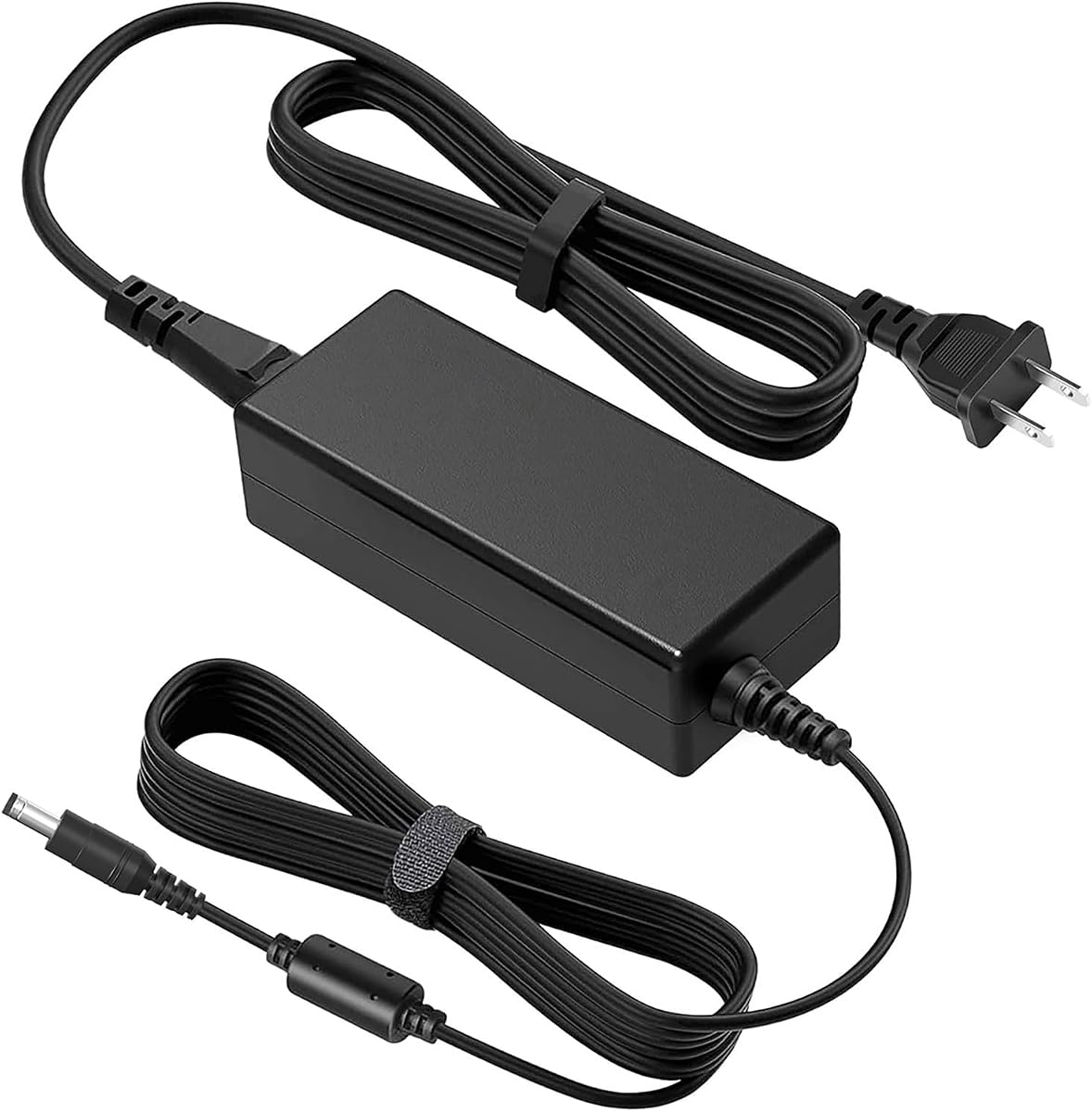


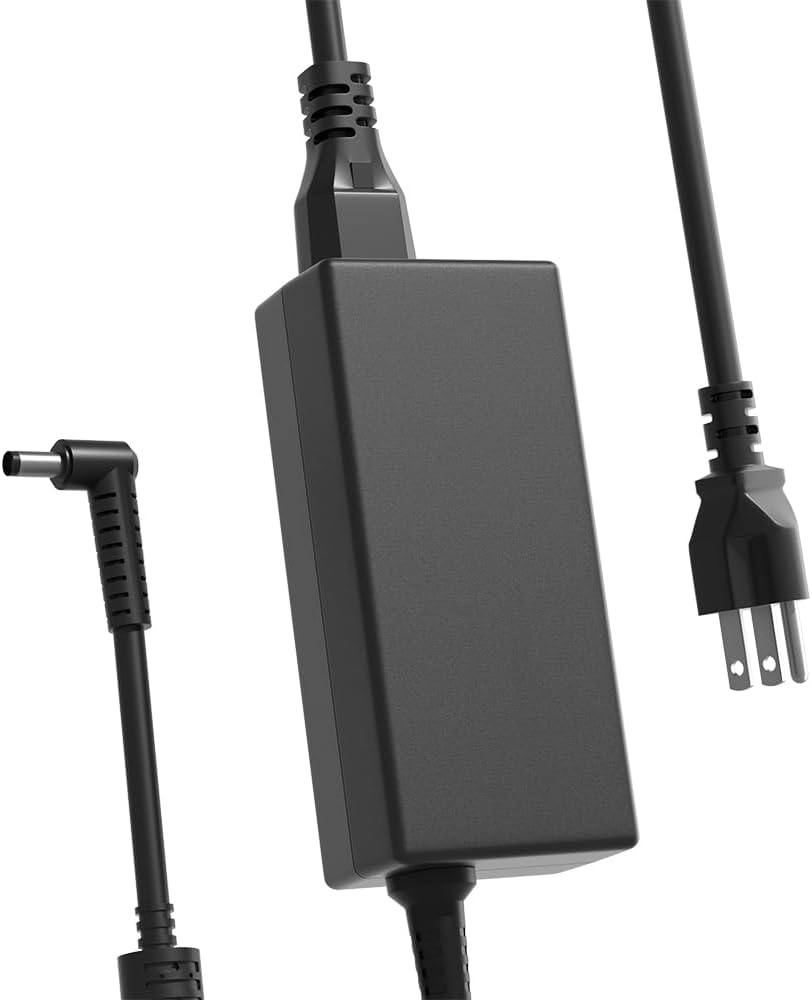


This adapter stands out as a top choice for users seeking a reliable replacement for their ASUS monitor power supply. With a strong rating of 4.8 stars it has garnered trust from many customers looking for consistent performance.
We may earn a commission when you buy through this link, at no additional cost to you.
The wide compatibility range covers a vast array of ASUS models including the popular VG248QG and VX238H series. It delivers up to 90 watts which ensures that even high-performance gaming monitors receive adequate power without overheating.
Some users might find the unit larger than the original brick but this extra bulk often indicates better heat dissipation components inside. The cable length is standard so it may not reach distant outlets without an extension.
If you own a newer ASUS monitor that supports higher wattage this is an excellent investment. It provides the stability needed for professional workstations or gaming setups where screen flickering is unacceptable.
Covers most VX VG and MX series monitors ensuring you do not need to check multiple listings for compatibility.
The 90W capacity allows it to power even the most demanding displays without voltage drops under load.
We may earn a commission when you buy through this link, at no additional cost to you.
For those who already have an AC adapter but need a replacement cord this standard cable is an ideal solution. It is highly rated for its durability and straightforward design that fits most electronic devices.
We may earn a commission when you buy through this link, at no additional cost to you.
The five foot length is perfect for desktop setups where the power outlet is located just behind the monitor stand. The 18 AWG gauge ensures it can handle standard current loads without overheating or failing.
It does not include the actual adapter block so you cannot use this to replace a broken brick. It is strictly a line cord for devices that have a built in power supply or separate adapter.
This is the best pick for budget conscious users who need a simple extension or replacement cord for a functioning adapter. It is reliable and safe for daily use with monitors and other electronics.
The 3 prong design works with most modern computers monitors and printers making it a versatile backup option.
Heavy duty wire and molded ends provide maximum durability against wear and tear over time.
We may earn a commission when you buy through this link, at no additional cost to you.
This unit is designed for users who need a premium replacement that can handle high performance gaming monitors. With a 65W output it provides robust power delivery that supports fast refresh rates and high brightness modes.
We may earn a commission when you buy through this link, at no additional cost to you.
The inclusion of global voltage input makes it suitable for travelers or those who move equipment between different regions. Industrial grade materials are used internally to prevent short circuits and ensure long term reliability.
It is not compatible with older monitors that use 12V power or smaller tips so checking the label on your device is crucial. The price reflects the higher quality components and safety certifications included.
For users of ROG Swift or VG series monitors this adapter offers the stability needed for professional or competitive use. It runs cooler than standard 40W units ensuring consistent performance under heavy loads.
Input range of 100 to 240V means it works anywhere without requiring a separate voltage converter.
Built to prevent overheating and short circuits ensuring your expensive monitor hardware stays protected.
We may earn a commission when you buy through this link, at no additional cost to you.
This charger is engineered to match the specific power requirements of many popular ASUS gaming monitors. It delivers a steady current that prevents screen flickering which is critical for gaming performance.
We may earn a commission when you buy through this link, at no additional cost to you.
It lists compatibility with the ROG Swift and VS series ensuring you get the exact power your screen needs. The built-in protection circuits guard against over voltage and short circuits to keep your hardware safe.
Users must verify their monitor uses 19V before purchasing as this will not work with 12V models. It does not offer USB-C charging so it is strictly for models with round barrel connectors.
If you are looking for a direct replacement that maintains your monitor stability this is a strong choice. It is highly rated for its ability to restore power without issues on high refresh rate displays.
The 65W output ensures your monitor runs smoothly even under high brightness or fast refresh rates.
Protection circuits prevent internal overheating and short circuits for safe daily use.
We may earn a commission when you buy through this link, at no additional cost to you.
This adapter offers a significant advantage with its extended cable length reaching up to nine feet total. This is ideal for setups where the power outlet is far from the monitor stand or desk.
We may earn a commission when you buy through this link, at no additional cost to you.
The smart chip inside ensures precise AC to DC conversion which helps maintain stable operation during peak usage times. It includes six layers of protection to guard against common electrical issues like surges or overheating.
While it is slightly more expensive the extra cable length and safety features justify the cost for many users. The design is a bit bulkier than a standard cord but it fits well under most desks.
If you need to place your outlet further away this is a convenient and safe solution. It works well with larger 32 inch monitors that require stable power delivery.
The nine foot cable provides flexible placement options so you do not need extra extensions.
Built-in chips protect against overcurrent overcharge and overtemperature to keep your device safe.
We may earn a commission when you buy through this link, at no additional cost to you.
This adapter is designed to work seamlessly with Tuf and ROG gaming monitors to maintain high performance. It supports the 65W power standard which is common among many current ASUS gaming screens.
We may earn a commission when you buy through this link, at no additional cost to you.
The package includes both the adapter and a power cord so you have everything needed for a complete replacement. It features global voltage input making it convenient for international travel or use.
It is a solid option for users who want a reliable replacement without any extra frills. The certifications ensure that the device meets safety standards for everyday use.
If you own a Tuf gaming monitor this adapter will provide the stable power needed for gaming sessions. It is compatible with many models ensuring a good fit.
Includes both the AC adapter and power cord for a hassle free replacement experience.
Works with Tuf and ROG series to ensure your gaming screen powers up correctly.
We may earn a commission when you buy through this link, at no additional cost to you.
This power supply focuses on delivering exactly what your monitor needs without unnecessary bulk. It is designed to be lightweight which helps keep your desk area clean and tidy.
We may earn a commission when you buy through this link, at no additional cost to you.
It supports global voltage and fits a wide range of Tuf gaming monitors including many common 27 inch models. The connector size is standard so it should fit your port if you have a 5.5mm tip.
The unit includes safety features to prevent overheating during long use sessions. While it does not have extra features it provides the essential power stability you need.
For users who want a simple lightweight replacement this is a great choice. It is reliable and easy to use for daily work or gaming tasks.
The compact size makes it easy to move around or store when not in use.
Input works worldwide so you do not need a converter if you travel.
We may earn a commission when you buy through this link, at no additional cost to you.
This charger is optimized for office and design series monitors that require reliable steady power. It uses flame retardant materials to ensure safety in office environments where devices run for long hours.
We may earn a commission when you buy through this link, at no additional cost to you.
It is compatible with a broad list of models including VC MX and LS series monitors. The internal chip adjusts power based on temperature to keep the device safe and efficient.
The design focuses on safety and durability rather than extra features. It is a solid choice for users who need a safe replacement for an older office monitor.
If you use a monitor for long work hours this adapter helps maintain safety and stability. It is reliable and easy to set up for standard office tasks.
Flame retardant materials reduce fire risk ensuring safe operation during long work hours.
Works with VC MX and LS series to power standard office displays reliably.
We may earn a commission when you buy through this link, at no additional cost to you.
This adapter is versatile as it works with both ASUS and HP monitors. It is a great option for users with multiple brands or who want a spare adapter for different devices.
We may earn a commission when you buy through this link, at no additional cost to you.
It provides stable power with a 65W output which is sufficient for most 27 inch displays. The lightweight design makes it easy to pack for travel or use in temporary setups.
The connector size is standard so it fits many common monitors. It offers global voltage support which is convenient for international use or moving between locations.
If you need a flexible solution that works across brands this adapter fits the bill. It is safe and reliable for regular daily use.
Compatible with select HP and ASUS monitors so you can use one adapter for multiple devices.
Lightweight and compact so it is easy to move around for travel or flexible setups.
We may earn a commission when you buy through this link, at no additional cost to you.
This charger stands out for its pure copper wire core which improves power efficiency and reduces heat. It is designed to last longer and run cooler than standard plastic wire units.
We may earn a commission when you buy through this link, at no additional cost to you.
The eight foot cable offers excellent reach for large setups or when outlets are far away. It supports a wide range of Tuf gaming models ensuring a good fit for most users.
The casing is made from flame retardant materials to add an extra layer of safety. It is a robust unit that feels substantial and well built for long term use.
If you need a durable cable with high conductivity this adapter is an excellent choice. It is built to maintain performance over time even in demanding gaming environments.
Pure copper wire ensures stable output and lower heat generation for longer lifespan.
An eight foot cable allows for flexible placement without needing extra extensions.
We may earn a commission when you buy through this link, at no additional cost to you.
Selecting the right power replacement involves understanding key specifications to ensure compatibility and safety for your display.
Always check the voltage printed on your original adapter or monitor back. Most ASUS monitors require 19V but some use different levels so matching this exactly is critical for safety.
If the voltage does not match your device the adapter will not work or could damage your monitor permanently.
The physical plug size is equally important as the electrical output. Most models use a 5.5mm x 2.5mm tip but newer ones may use smaller connectors.
Verify the exact dimensions on your device before ordering to ensure the plug fits securely into the port.
The wattage should match or exceed the original adapter. Most monitors need 65W but gaming models may require more power for high refresh rates.
Choosing an adapter with a higher wattage than needed is safe as long as the voltage matches.
Standard cords are often 5 to 6 feet which may not reach distant power outlets. Consider your desk layout to decide how much length you need.
Some units offer extended cables up to 9 feet for better placement flexibility.
Look for adapters with CE FCC or RoHS certifications to ensure they meet safety standards. These labels indicate the device has been tested for electrical safety.
Certified products include protection against overvoltage and short circuits to protect your hardware.
Choosing a product from a reputable third party manufacturer can offer better quality than generic options. Check customer reviews for consistent performance feedback.
High rated products with many positive reviews are less likely to fail early or cause issues.
Adapters with robust cables and molded strain relief tend to last longer than flimsy ones. Look for durable materials that resist wear and tear.
A sturdy build ensures the connection stays secure and the cord does not break at the plug.
Adapters that support 100V to 240V input are versatile for use in different countries. This feature is useful if you travel or move equipment often.
Universal input means you only need a simple plug adapter to work in different regions.
Connect the adapter to the power cord first before plugging it into the wall outlet. This prevents sparks and ensures a safe connection when power is applied.
Plug the DC connector firmly into the monitor port and ensure it is seated all the way in. A loose connection can cause flickering or intermittent power loss during use.
Keep the adapter in a cool ventilated area to prevent overheating. Avoid covering it with blankets or placing it in direct sunlight where heat can build up.
No the voltage must match exactly and the connector size must also be the same. Using an adapter with the wrong connector or power rating can damage your monitor.
Check the back of your monitor or the label on your old adapter for the diameter and inner pin size. You can also measure it with calipers to confirm the dimensions.
Yes it is safe to use an adapter with equal or higher wattage as long as the voltage matches. The monitor will only draw the power it needs so there is no risk of overload.
This could be due to a loose connection a damaged port or an incompatible adapter. Verify the connector fits snugly and that the voltage matches the original specifications exactly.
Not necessarily. Laptops often require different voltages or connector sizes. Always check the laptop requirements before trying to use an adapter meant for a monitor.
The length does not affect voltage output but very long cables can sometimes lead to voltage drop. For most setups standard or slightly longer lengths are perfectly fine.
The top picks offer a range of options from budget friendly cords to high performance adapters for gaming monitors. Each one ensures stable power delivery to keep your display running smoothly.
Prioritize voltage and connector compatibility above all else to avoid damage to your hardware. A slight difference in specs can cause major issues with your device.
Always check the current price and availability before buying since deals can change quickly. This guide provides a solid starting point for finding the right power solution for your setup.