
DECSZDY 240W 19.5V 12.3A Laptop Charger
4.2Editor score
Compatible with multiple Alienware models
Built-in heat dissipation system
12 months warranty service
24/7 email support available
This guide compares ten top Alienware laptop charger replacements for power, compatibility, and safety to help you choose the right adapter quickly.
Finding a reliable replacement charger for your Alienware laptop is essential for uninterrupted gaming and work. The right adapter delivers stable power, protects your battery, and ensures fast charging speeds without overheating risks.
We compared ten highly rated chargers based on wattage output, connector compatibility, safety features, and durability. Each product was evaluated against standard Alienware specifications to ensure it meets your specific laptop model requirements.
Every pick below shows key specs, pros, and cons to simplify your decision. Prices and availability change frequently, so check the latest details before purchasing to confirm your device compatibility and current offers.
4.2Editor score

4.4Editor score

4.3Editor score
This table compares all ten chargers side by side for easy selection. Review specs, compatibility, and key features to find the perfect match for your Alienware laptop model.
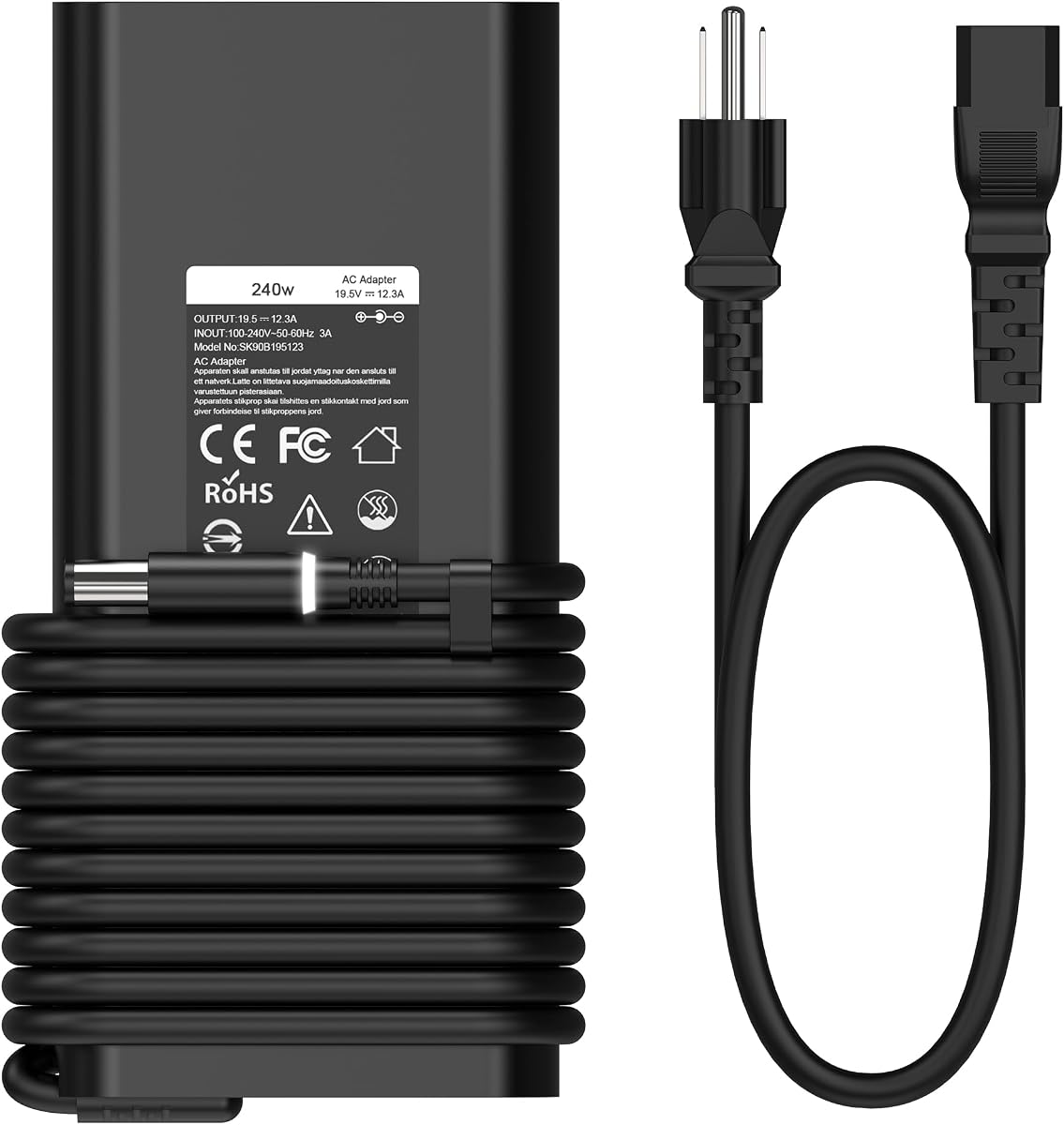

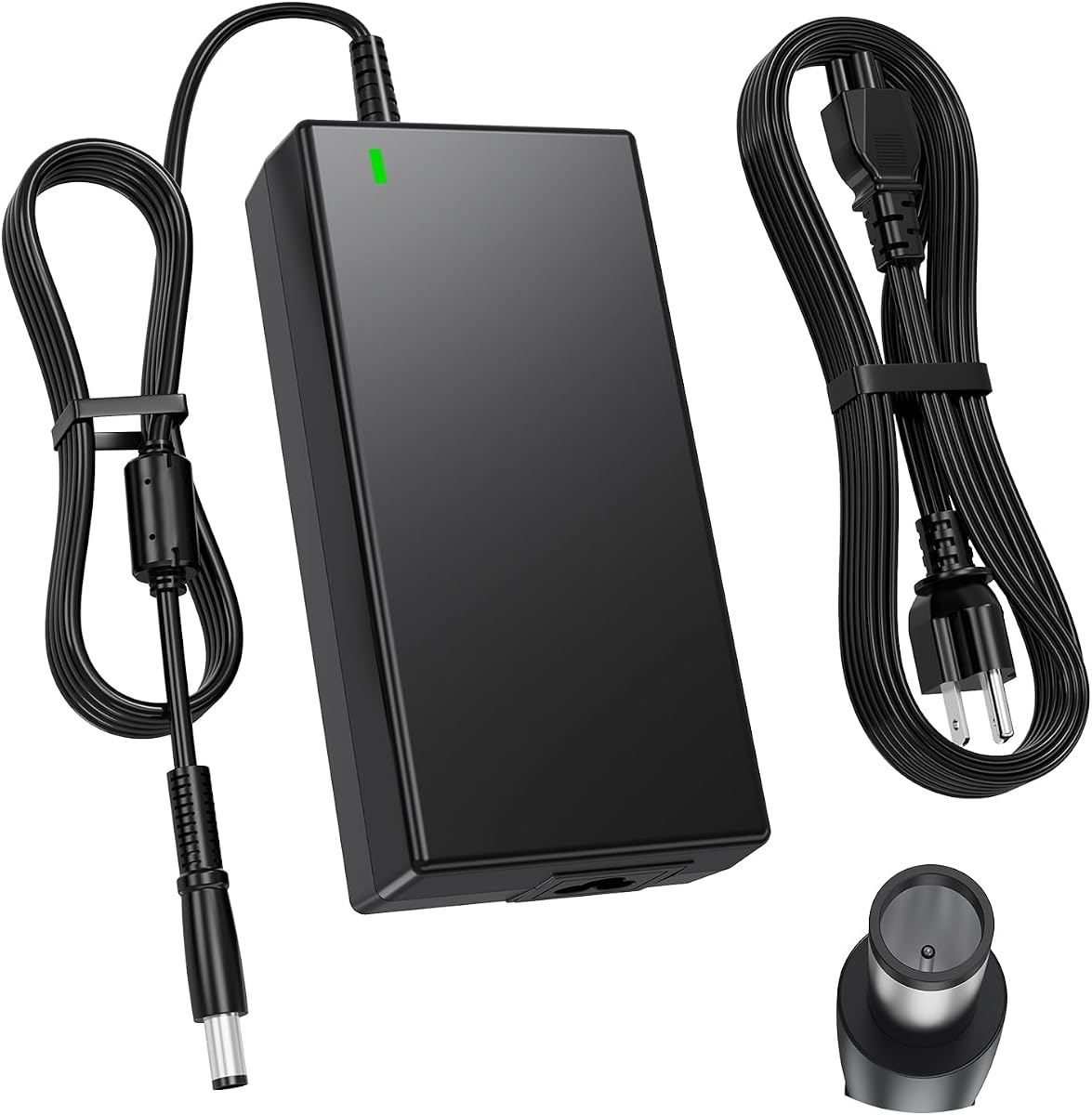


This charger stands out with its 240W output and robust 10-foot cable reach. It supports global voltages and includes comprehensive safety protections to keep your Alienware laptop secure during extended sessions.
We may earn a commission when you buy through this link, at no additional cost to you.
Its 19.5V 12.3A specs match high-power Dell models. The durable shell resists daily wear, while the universal input eliminates the need for travel converters abroad.
The 7.4×5.0mm tip fits many Dell models but not newer USB-C variants. Ensure your laptop uses this round tip before purchasing to guarantee compatibility.
If you need a reliable daily charger with long reach and broad compatibility, this unit is an excellent choice for most G-series and Alienware laptops.
Delivers consistent high power for gaming without slow charging delays or performance interruptions.
Supports 100-240V input so you can use it worldwide without extra voltage converters.
We may earn a commission when you buy through this link, at no additional cost to you.
The DECSZDY adapter offers great value with 240W power and broad Alienware compatibility. It includes safety chips and a heat dissipation system to prevent overheating during long gaming sessions.
We may earn a commission when you buy through this link, at no additional cost to you.
It supports models from M15 to M18X and Precision laptops. The included warranty and email support add peace of mind for users seeking a reliable replacement without overspending.
Note that Amazon return windows close after one month, but sellers offer extended warranty via direct contact. Keep your order details handy if you need assistance later.
Choose this if you want a cost-effective charger with solid protection and responsive support for your Alienware laptop daily use.
Provides full 240W output at a budget-friendly price point without sacrificing core safety features.
12 months warranty and 24/7 email support ensure you are covered beyond standard Amazon returns.
We may earn a commission when you buy through this link, at no additional cost to you.
This premium adapter delivers 330W power with slim build quality. It supports the latest m16 and m18 models with RTX 4090 GPUs, ensuring peak performance under heavy loads.
We may earn a commission when you buy through this link, at no additional cost to you.
Its 19.5V 16.92A output meets the strict demands of high-end gaming hardware. The slim profile reduces travel bulk while maintaining the 7.4mm connector most Alienware laptops require.
The higher cost reflects its superior power handling. If you own an m18 or similar flagship machine, this unit ensures your GPU and CPU run without throttling.
Invest in this charger if you need maximum power headroom for a top-tier Alienware laptop and value compact design for portability.
Delivers 330W output to handle demanding RTX 4090 gaming sessions without performance limits.
Slim lightweight build makes it easier to carry compared to bulky standard high-wattage adapters.
We may earn a commission when you buy through this link, at no additional cost to you.
This 2025 model combines slim design with 240W output. It supports Alienware 13 to 17 series plus Precision laptops, covering a broad range of user needs.
We may earn a commission when you buy through this link, at no additional cost to you.
Its compact shape makes it easy to pack for travel. The unit includes multiple safety protections and matches many common part numbers for Dell laptops.
Like other products, the 30-day return window requires direct seller contact for extended warranty. Keep records to ensure support access after the initial period.
If you want a slim adapter for daily or travel use without sacrificing power, this is a strong choice for most Alienware users.
Compact design reduces bulk while maintaining 240W output for efficient daily charging.
Fits Alienware 13 to 17 and Precision laptops to serve multiple device owners.
We may earn a commission when you buy through this link, at no additional cost to you.
This 180W adapter targets older Alienware models like the 13, 15, and 17 series. It matches the DA180PM111 part number and supports compatible docking stations.
We may earn a commission when you buy through this link, at no additional cost to you.
Its specs deliver stable power for mid-range hardware. The US power cable and reliable design make it suitable for everyday use in home or office settings.
Users with newer m16 or m18 laptops should opt for higher wattage units. This charger is ideal for legacy systems needing a dependable replacement.
Choose this if your Alienware laptop uses 180W power and you want a match for standard part numbers without extra costs.
Designed for older Alienware and Precision systems requiring 180W power with stable performance.
Supports Dell WD15, TB16, and other docks to extend your desktop connectivity options.
We may earn a commission when you buy through this link, at no additional cost to you.
This unit stands out with 30,000 bend tests and a compact 15% smaller design. Its nylon armor weave and smart blue tip offer both durability and clear identification.
We may earn a commission when you buy through this link, at no additional cost to you.
It supports 240W charging with overload protection. The small size makes it an excellent travel companion for users needing a rugged and portable power solution.
The higher price reflects its tested build quality. If you carry your charger daily or face frequent movement, this durability is worth the investment.
Invest in this if you value long-term wear resistance and compact design without sacrificing standard 240W power output.
Survives 30,000 bend tests with nylon armor weave for heavy daily usage environments.
15% smaller than standard chargers to reduce travel bulk and save space.
We may earn a commission when you buy through this link, at no additional cost to you.
This adapter features auto temperature adjustment and flame retardant materials for safe charging. It supports M15, M17, and Alpha series models with 240W power.
We may earn a commission when you buy through this link, at no additional cost to you.
The built-in chip adjusts power based on device temperature, reducing heat risks. Its broad compatibility covers many gaming laptops and models needing a reliable replacement.
Do not use it for devices requiring more than 240W. For standard Alienware gaming systems, this unit ensures safe and efficient charging cycles.
Choose this if you want safety features like temperature control and fire-resistant build for consistent performance.
Auto chip adjusts power based on device temperature to prevent overheating risks.
Flame retardant materials provide extra safety during extended power delivery sessions.
We may earn a commission when you buy through this link, at no additional cost to you.
This charger supports both Alienware and Precision models with its 7.4mm tip. It delivers 240W output and includes over-voltage and short-circuit protection for safety.
We may earn a commission when you buy through this link, at no additional cost to you.
Its compatibility list spans M15, M17, and Precision 7710. The unit ensures secure power delivery for users needing a reliable replacement across multiple device families.
Note that it does not support USB-C models. For round-tip systems, this adapter provides consistent 240W power with essential safety features.
Choose this if you own a Precision or older Alienware system needing broad compatibility with 240W power delivery.
Compatible with Precision models like 7710 and M6700 to serve dual user needs.
Includes over-voltage and short-circuit protection to shield connected devices from damage.
We may earn a commission when you buy through this link, at no additional cost to you.
This charger offers a 120-day exchange policy and 1-year assurance. It supports G15, G7, and Alienware M17 models with 240W power.
We may earn a commission when you buy through this link, at no additional cost to you.
Its broad part number list covers many Dell configurations. The strong warranty policy provides extra confidence for buyers seeking long-term reliability.
As with other listings, Amazon returns close early. Contact the seller directly for full warranty support after the initial return period ends.
Choose this if you value extended exchange windows and strong warranty support for your G-series or Alienware gaming laptop.
Offers 120 days exchange and 1-year assurance beyond standard Amazon return windows.
Compatible with G15 G7 and related gaming models needing stable high wattage power.
We may earn a commission when you buy through this link, at no additional cost to you.
This adapter features built-in surge protection and triple safety mechanisms. It supports 240W and 180W models with a standard 7.4mm tip.
We may earn a commission when you buy through this link, at no additional cost to you.
Its compatibility spans Alienware 13 to 17 and Precision models. The quality guarantee and strong rating reflect reliable performance for daily use.
The unit lacks USB-C support. For older or mid-range systems needing extra safety against voltage spikes, this is a solid choice.
Choose this if you want extra surge protection and reliable safety mechanisms for your Alienware or Precision laptop charging.
Built-in surge protection shields devices from voltage spikes and unstable power sources.
Quality assurance and strong rating ensure reliable performance and customer confidence.
We may earn a commission when you buy through this link, at no additional cost to you.
Selecting the right charger involves matching specs, safety, and compatibility to your exact laptop model.
Match the charger's wattage to your Alienware laptop's original requirement. Higher wattage can support faster charging and heavier loads like gaming or rendering, but ensure your model supports it.
Select a charger with at least the original wattage to avoid throttling or slow performance.
Check your laptop's port. Most Alienware laptops use a 7.4×5.0mm round tip with a center pin, but some newer models use USB-C. Verify dimensions before buying.
Always confirm connector size and center pin presence to ensure a secure fit.
Look for 19.5V output, standard for most Alienware adapters. Amperage should match or exceed the original to provide stable power without voltage drop.
Ensure output matches 19.5V and amperage meets or exceeds your laptop's requirement.
Choose chargers with over-voltage, short-circuit, and overheat protection. Built-in chips reduce fire risks and protect your battery from damage during faults.
Prioritize chargers with multiple safety features to ensure safe daily operation.
Longer cables provide flexibility for desk setups or travel. Slim designs are easier to carry but may have less robust builds.
Select cable length and build quality based on your primary usage and mobility needs.
Compare the part number on your old charger. Replacements should list compatible models like M15, M17, or Precision to avoid mismatched specs.
Verify part numbers and model lists match your exact laptop to ensure seamless replacement.
Look for at least 12-month warranties and responsive customer support. Some brands offer extended exchange policies beyond Amazon's standard 30-day return window.
Confirm warranty terms and seller responsiveness before purchasing to secure long-term support.
Inspect the charger tip and cable before use to ensure no damage or debris. A clean connection ensures stable power delivery and reduces heat risks during charging.
Plug the charger into a grounded outlet first, then connect it to your laptop. Avoid pulling the cable when unplugging to prevent internal wire damage over time.
Store the charger in a dry, cool place away from direct sunlight. Avoid tight bends in the cable and use the included strain relief or wrap loosely to extend its lifespan.
Yes, if the voltage and connector match. A higher wattage unit will deliver only what your laptop needs, providing extra headroom for peak performance without damage. Always check connector size and polarity before using.
Slow charging can result from a damaged charger, low voltage output, or a degraded battery. Verify the charger's specs match your model and inspect cables for visible wear before replacing.
Older models use 7.4mm round tips, not USB-C. Using an incompatible adapter may not fit or provide stable power. Stick to the correct tip type for your specific laptop model.
The center pin carries a low-voltage signal to identify the charger's wattage. Missing or damaged pins may prevent charging or throttle performance. Ensure the pin is intact and aligned.
Quality replacements include heat dissipation systems and safety chips to prevent overheating. Cheap units may lack protections and get hotter. Choose units with rated safety features and built-in cooling.
Check the label on your old charger or laptop manual. Part numbers often start with DA, LA, or HA. Compare these with the replacement's compatibility list to confirm support.
We reviewed ten top chargers covering budget to premium options. Each was selected for reliable power, broad compatibility, and essential safety features to meet diverse Alienware user needs.
Focus on wattage, connector type, and safety protections when choosing. Ensure the adapter matches your laptop's voltage and physical port to avoid compatibility issues or performance loss.
Prices and stock levels change frequently, so check current listings before buying. Always verify compatibility with your exact model to ensure a seamless and safe replacement experience.