
acer Chromebook Plus Spin 714 Laptop with Google AI
Intel Core Ultra 5 Processor
14 Inch WUXGA Touchscreen
Thunderbolt 4 Support
Artificial intelligence is transforming how we work and create daily. Modern laptops now integrate smart tools directly into the operating system. Chromebooks lead this shift with built-in AI features for writing and editing.
We evaluated ten leading models based on processing power, AI integration, and overall performance. Each device offers unique strengths for students and professionals seeking intelligent computing experiences. Our analysis focuses on real-world utility and AI capabilities.
Every selection highlights specific advantages for tasks requiring generative AI or cloud integration. Prices and availability may fluctuate so check current listings before buying. This list ensures you find the right balance of features and value.

4.9Editor score
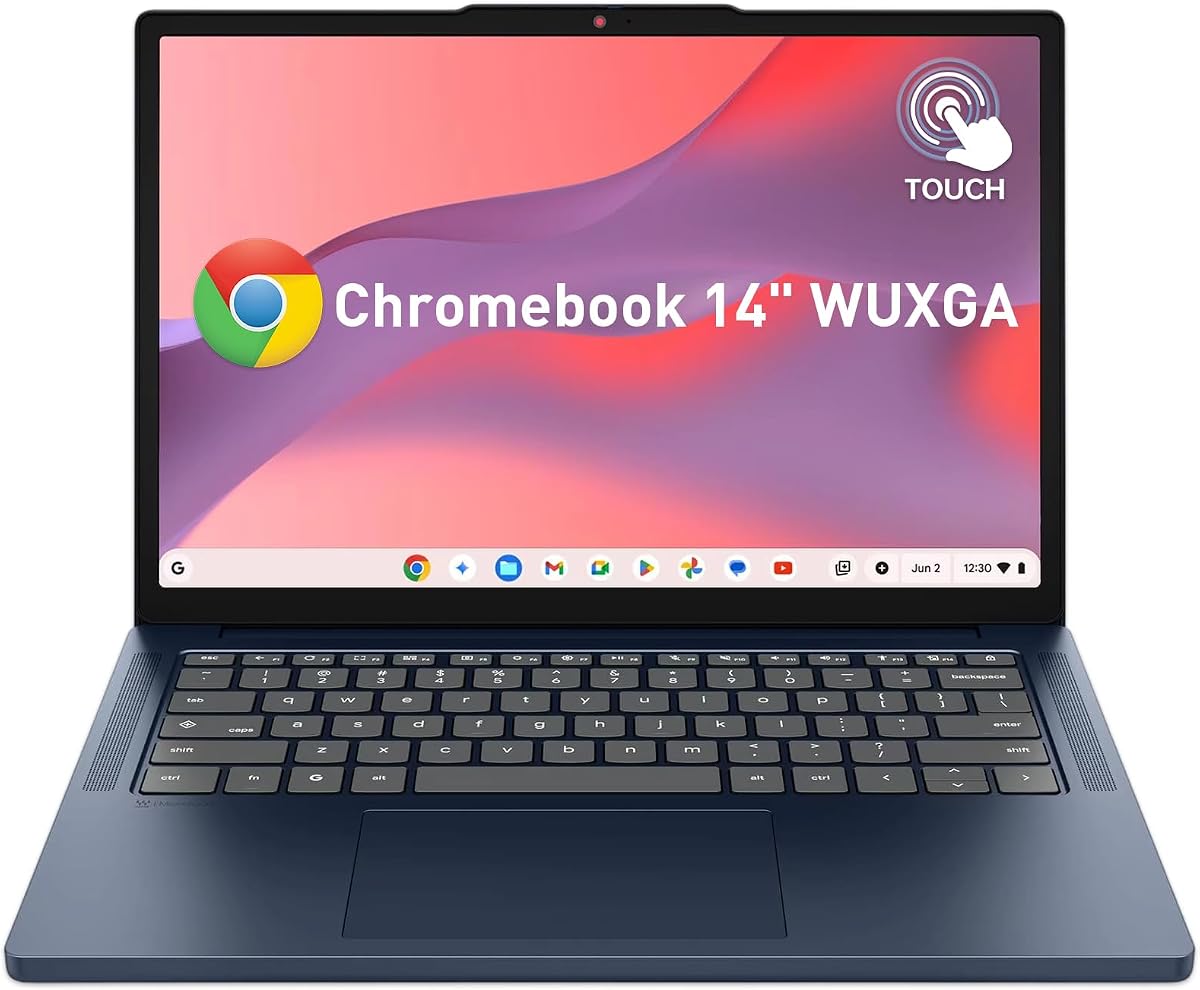
5.0Editor score
As an Amazon Associate we earn from qualifying purchases.
The following table provides a side-by-side overview of key specifications for all ten selected models. Compare processors, memory, storage, and display types to find the best match for your specific workflow needs.


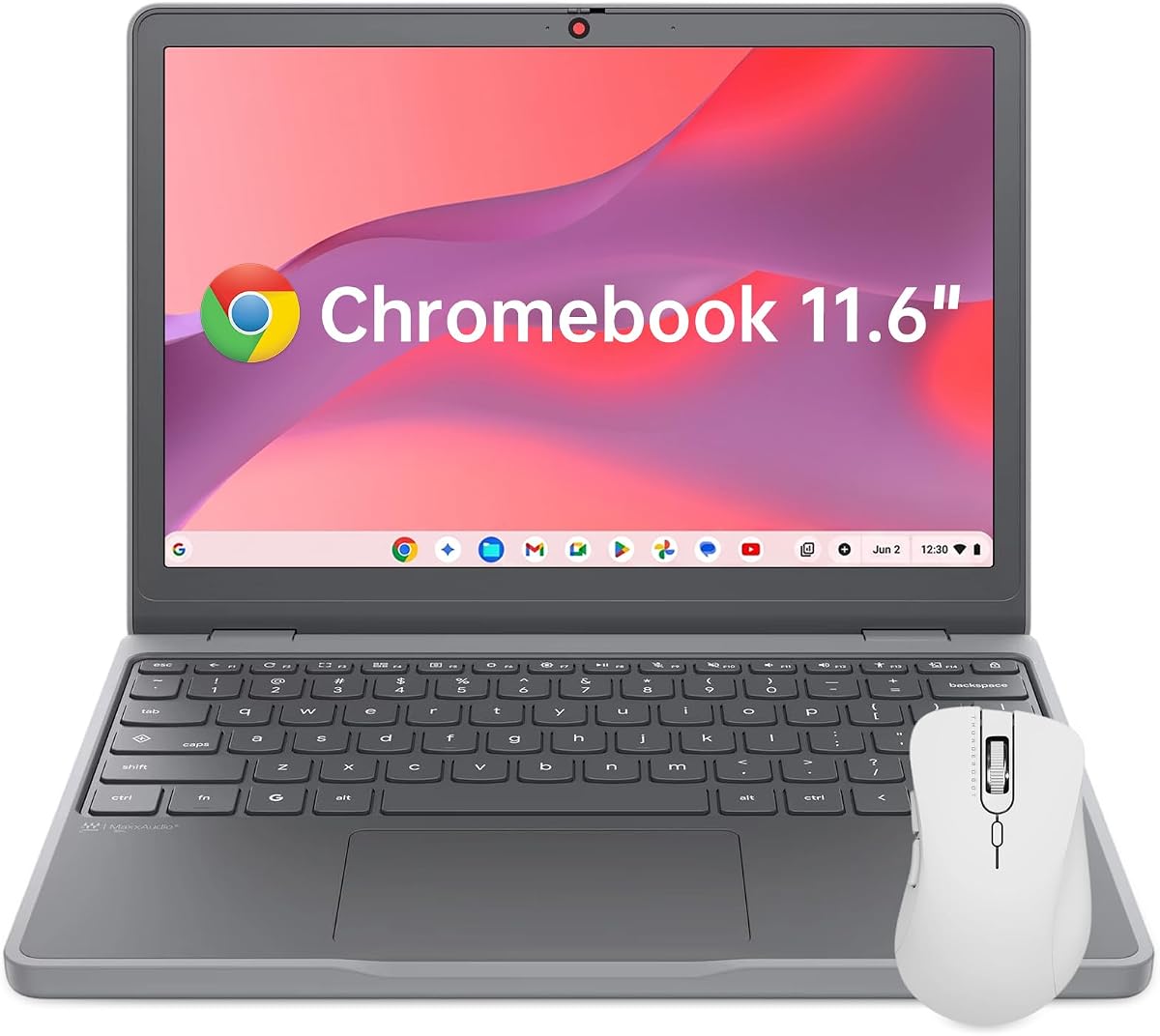
This model stands out for its comprehensive AI integration and strong overall rating. It delivers smooth performance for daily tasks while offering premium cloud storage access. The device balances affordability with high-end features like Wi-Fi 7.
We may earn a commission when you buy through this link, at no additional cost to you.
The Intel Core i3-1315U processor handles multitasking effortlessly alongside AI tools. Users can enjoy enhanced creativity with Gemini features embedded in Gmail and Docs. The anti-glare display ensures comfortable viewing during extended work sessions.
While battery life is impressive it may vary based on network settings. Storage is generous in the cloud but local capacity is modest. These trade-offs are acceptable given the competitive price and feature set.
Ideal for professionals needing reliable AI tools without breaking the budget. It suits students and remote workers who prioritize security and connectivity. Choose this for a balanced blend of performance and cloud features.
Gemini integration simplifies writing and image editing tasks directly within apps.
Wi-Fi 7 ensures fast speeds for large file transfers and streaming.
We may earn a commission when you buy through this link, at no additional cost to you.
This device offers a budget friendly route to AI enhanced computing. It includes essential Google AI tools for content creation and editing. The design prioritizes portability making it easy to carry anywhere.
We may earn a commission when you buy through this link, at no additional cost to you.
The Intel processor provides reliable performance for web apps and documents. Video call enhancements help maintain clarity during virtual meetings. Storage is adequate for cloud-first workflows common on ChromeOS.
Users may notice the storage speed is slower than premium models. The rating suggests some variability in user experience or build quality. These factors are manageable for casual users focused on basic needs.
Best suited for students or home users needing a secondary laptop. It delivers core AI features without the premium price tag. Consider this if portability and cost are your main priorities.
Built-in noise cancellation and lighting enhancement improve remote communication.
Access unique background designs and photo reimagination features easily.
We may earn a commission when you buy through this link, at no additional cost to you.
This model provides a larger workspace ideal for detailed tasks. The 15.6 inch screen offers ample room for split-screen viewing. It balances performance with visual comfort for extended usage sessions.
We may earn a commission when you buy through this link, at no additional cost to you.
The processor supports smooth transitions between apps and AI features. Cloud storage is accessible with the included AI Pro subscription. Users benefit from enhanced editing tools and writing assistance.
Portability is slightly reduced compared to 14 inch models. The resolution is standard which may not suit graphic designers. These trade-offs are acceptable for general productivity and media consumption.
Perfect for users who need more screen space for data work. It suits office environments where mobility is less critical than viewable area. Select this for comfort during long writing or analysis tasks.
A larger display reduces eye strain during multi-app workflows.
NotebookLM and Gemini features help organize research and notes.
We may earn a commission when you buy through this link, at no additional cost to you.
This premium option delivers cutting-edge AI processing capabilities. The dedicated neural processing unit accelerates local AI tasks significantly. Its convertible design adds flexibility for different usage scenarios.
We may earn a commission when you buy through this link, at no additional cost to you.
The display offers sharp visuals for creative and professional work. Connectivity options include Thunderbolt 4 ensuring rapid external device support. Users enjoy a responsive typing experience with the backlit keyboard.
The cost is higher than entry-level alternatives. Local storage remains standard which may require cloud reliance. These factors are justified for power users needing advanced performance.
Ideal for professionals requiring top-tier hardware for AI workflows. It fits creative roles needing precise touch input and display quality. Choose this if budget allows for premium features and build.
The NPU enhances AI performance while preserving battery life.
Spin design allows tablet mode for notes or media.
We may earn a commission when you buy through this link, at no additional cost to you.
This model prioritizes local storage for users with large files. The 512GB drive reduces reliance on cloud connectivity for access. Its rugged build ensures durability in challenging environments.
We may earn a commission when you buy through this link, at no additional cost to you.
Performance is stable for general tasks though not the fastest. The display offers vibrant visuals and responsive touch input. Connectivity allows multi-monitor setups for expanded workflows.
The processor lags behind newer Core i3 models in speed. Weight might be a factor for frequent travelers. These compromises are minor given the storage and durability benefits.
Great for users needing offline capacity and durable hardware. It suits field workers or those with heavy local media libraries. Select this if storage space is a primary concern.
Military standards ensure survival against drops and spills.
Multi-monitor support enhances productivity for complex projects.
We may earn a commission when you buy through this link, at no additional cost to you.
This device is tailored specifically for student needs and portability. It delivers a smooth experience for coursework and media streaming. The audio quality enhances online learning and entertainment.
We may earn a commission when you buy through this link, at no additional cost to you.
The processor handles standard apps efficiently for daily tasks. The touchscreen aids interactive digital textbooks and note-taking. Battery life supports a full day of campus use easily.
Heavy multitasking may strain the limited RAM. Local storage requires careful management for files. These limitations are expected at this price point for students.
Perfect for K-12 and college students needing reliable portability. It offers essential features without unnecessary complexity. Choose this for a focused study tool.
Lightweight design makes commuting between classes effortless.
Touchscreen works well for digital textbooks and apps.
We may earn a commission when you buy through this link, at no additional cost to you.
A well-rounded device for general productivity tasks. It offers sufficient storage for most users without cloud reliance. Durability features ensure long-term reliability for daily use.
We may earn a commission when you buy through this link, at no additional cost to you.
The AI features assist with organizing drafts and images. Connectivity supports diverse peripherals via multiple ports. Users find the performance adequate for web and office apps.
Advanced workloads may slow the processor slightly. Display brightness is sufficient but not exceptional outdoors. These issues are minor for typical office or home tasks.
Suitable for businesses needing a durable and affordable fleet option. It fits home offices requiring robust build quality. Select this for reliable everyday computing.
Multiple ports allow easy connection of various devices.
AI tools simplify content creation workflows.
We may earn a commission when you buy through this link, at no additional cost to you.
This device focuses on providing essential features efficiently. The storage capacity handles most user needs well. It supports modern connectivity standards for fast internet access.
We may earn a commission when you buy through this link, at no additional cost to you.
Performance is consistent for browsing and document editing. The display offers clear visuals for daily viewing. Users can rely on stable wireless connections at home or work.
Overall rating suggests some users found limitations in speed. Design is functional but lacks premium touches. These are acceptable for budget-conscious buyers needing storage.
Good for users needing basic computing with extra storage. It suits families looking for a shared household device. Select this for value and capacity.
Wi-Fi 6E ensures future-proofed wireless speeds.
Large local drive reduces dependency on cloud storage.
We may earn a commission when you buy through this link, at no additional cost to you.
An AMD-powered option offering distinct performance characteristics. It includes AI tools for video call clarity. The display ensures readability in bright environments.
We may earn a commission when you buy through this link, at no additional cost to you.
Performance is smooth for typical web browsing and apps. The processor supports multitasking well for daily tasks. Users appreciate the durable build quality.
Limited storage requires frequent cloud syncing or cleanup. Battery life is average compared to some competitors. These are manageable constraints for the feature set.
Ideal for users preferring AMD architecture or specific features. It suits environments where durability and video quality matter. Choose this for a balanced AMD option.
AI tools optimize lighting and audio for meetings.
Military standards protect against physical impacts.
We may earn a commission when you buy through this link, at no additional cost to you.
This model prioritizes extreme portability above all else. It is exceptionally light making it ideal for travel. Security is enhanced with the integrated Google chip.
We may earn a commission when you buy through this link, at no additional cost to you.
Performance covers basic browsing and document tasks effectively. The battery supports long sessions away from power. Users find it easy to carry everywhere.
The screen size is small for detailed work or multitasking. Resolution is basic but acceptable for casual use. These are standard trade-offs for ultra-portable devices.
Best for travelers needing a compact backup device. It suits students who prioritize weight over screen space. Select this for maximum portability.
Compact size fits easily into small backpacks.
Google H1 chip protects data at the hardware level.
We may earn a commission when you buy through this link, at no additional cost to you.
Selecting the right Chromebook requires understanding how hardware and software support your daily tasks.
Look for models with dedicated AI processors like Intel Core Ultra or recent Core i3 series. These chips handle local AI tasks faster than older generations.
Prioritize newer CPUs for smoother performance when using tools like Gemini or generative design apps.
8GB RAM is the sweet spot for running multiple browser tabs and AI tools simultaneously. 4GB may struggle with heavy workloads.
Ensure the device has at least 8GB for a responsive experience.
SSD storage is essential for quick boot times and app launches. PCIe Gen4 SSDs offer significantly faster speeds than UFS drives.
Choose a model with ample local storage if you need offline access to files.
A WUXGA display provides better sharpness for reading and design work than standard HD. Touchscreens are valuable for note-taking and creative apps.
Consider 14 inch as the standard balance between visibility and portability.
Wi-Fi 6E or Wi-Fi 7 ensures fast wireless speeds essential for cloud-based AI tools. USB-C ports with DisplayPort support allow external monitor setups.
Check for Thunderbolt 4 on premium models for maximum transfer speeds.
All-day battery life is crucial for remote work and students. Look for specs claiming 10 hours or more.
Prioritize models with fast charging support for quick top-ups.
Many Chromebook Plus models offer free 12-month access to Google AI Pro. This includes 2TB to 5TB storage and advanced Gemini features.
Verify the subscription details before purchase to maximize value.
Chromebooks with MIL-STD ratings resist physical damage better. Security chips like Titan C2 or Google H1 protect against malware.
Always look for built-in privacy shutters on webcams.
Enable Google AI Pro features immediately after setup to access the 12-month trial. Open settings to verify the AI premium is active.
Keep your device clean by wiping the screen with a microfiber cloth. Avoid liquids near the keyboard and ports.
Regularly update ChromeOS to maintain security and performance. Use the built-in tools to manage storage and clear cache.
Google AI Pro is a subscription plan that unlocks advanced AI tools and cloud storage. It allows you to use features like NotebookLM, advanced image editing, and higher Gemini limits directly in Gmail and Docs.
No, you use your existing Google account to sign in. This syncs your emails, photos, and settings across devices automatically.
Yes, most modern Chromebooks support Android apps from the Play Store. This expands your options beyond web-based tools.
You can use Google Drive or USB drives to expand storage. Most models have USB-C ports for easy external connections.
Yes, many support development environments and Linux apps. You can write code using ChromeOS or cloud-based IDEs.
Use the physical camera shutter when not in video calls. Enable two-factor authentication on your Google account.
Yes, you can access downloaded files and use some apps offline. However, AI features require an internet connection.
We reviewed ten top models ranging from budget to premium options. Each offers unique strengths in AI integration, storage, and build quality.
Prioritize processors with AI features and sufficient RAM for your workflow. Balance these needs with battery life and display preferences.
Prices and availability change often so check the latest deals before buying. Choose the model that fits your daily tasks best.