
Standard 5ft (1.5m) 10 Amps 125 Volts Black 3 Prong AC Power Cord
4.7Editor score
Universal 3-prong design
Durable 18 AWG gauge
Fully molded connectors
Finding a reliable Dell monitor replacement power cord is essential for keeping your workspace functional. Whether your original cable failed or you need a spare for travel, choosing the right adapter ensures stable voltage and prevents damage to your display.
We compared ten top-rated power solutions based on compatibility, safety certifications, and build quality. Our analysis covers universal cords for monitors with internal power supplies and external adapters for models requiring specific voltage inputs.
Each pick highlights key features like connector types, cable length, and safety protections. Prices and availability can change quickly, so always verify compatibility with your specific Dell model before purchasing the right power solution.
4.7Editor score
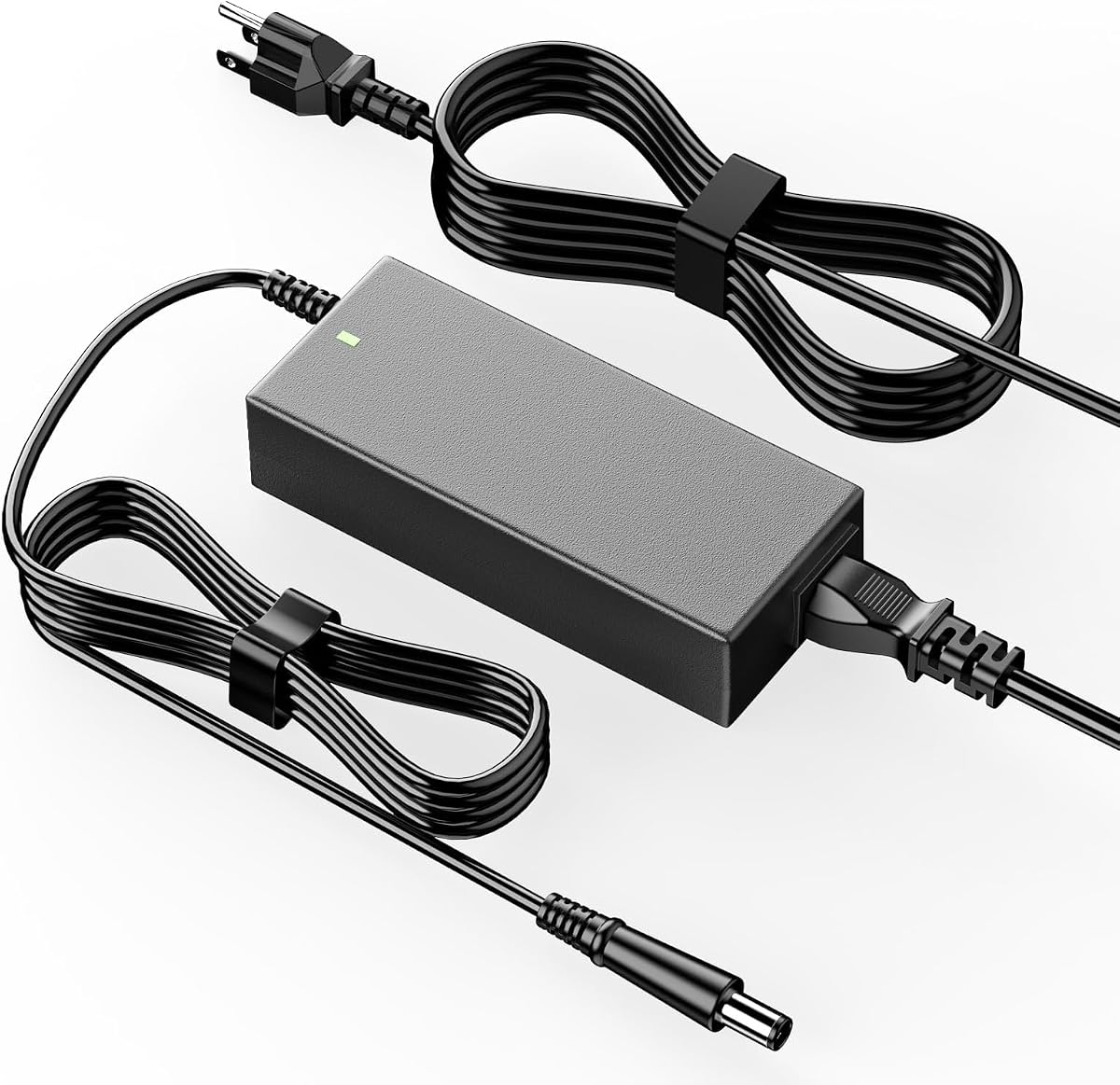
4.9Editor score
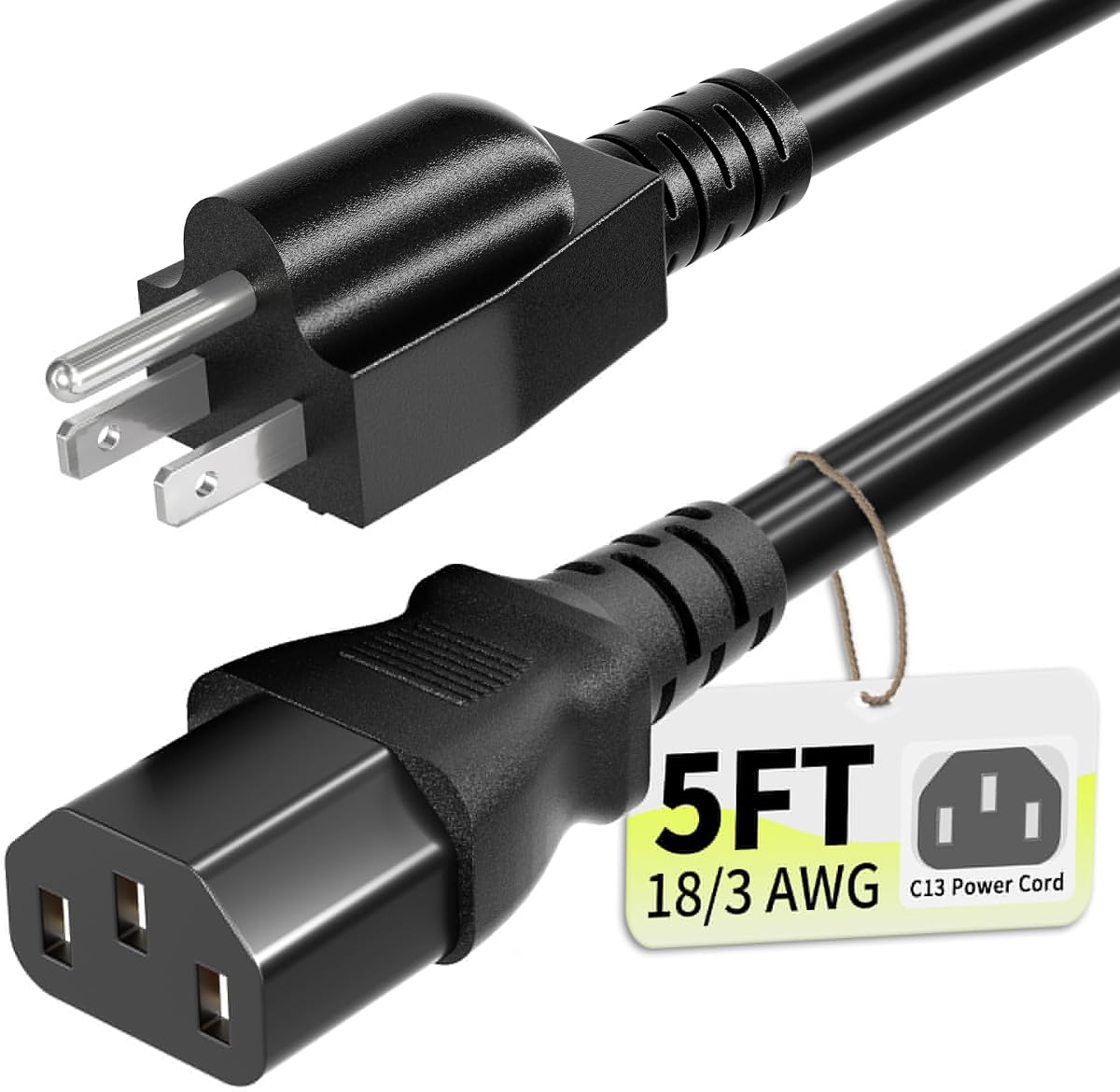
4.8Editor score
As an Amazon Associate we earn from qualifying purchases.
The following table provides a side-by-side comparison of all ten products to help you quickly identify the right power solution for your specific Dell monitor model and usage needs.

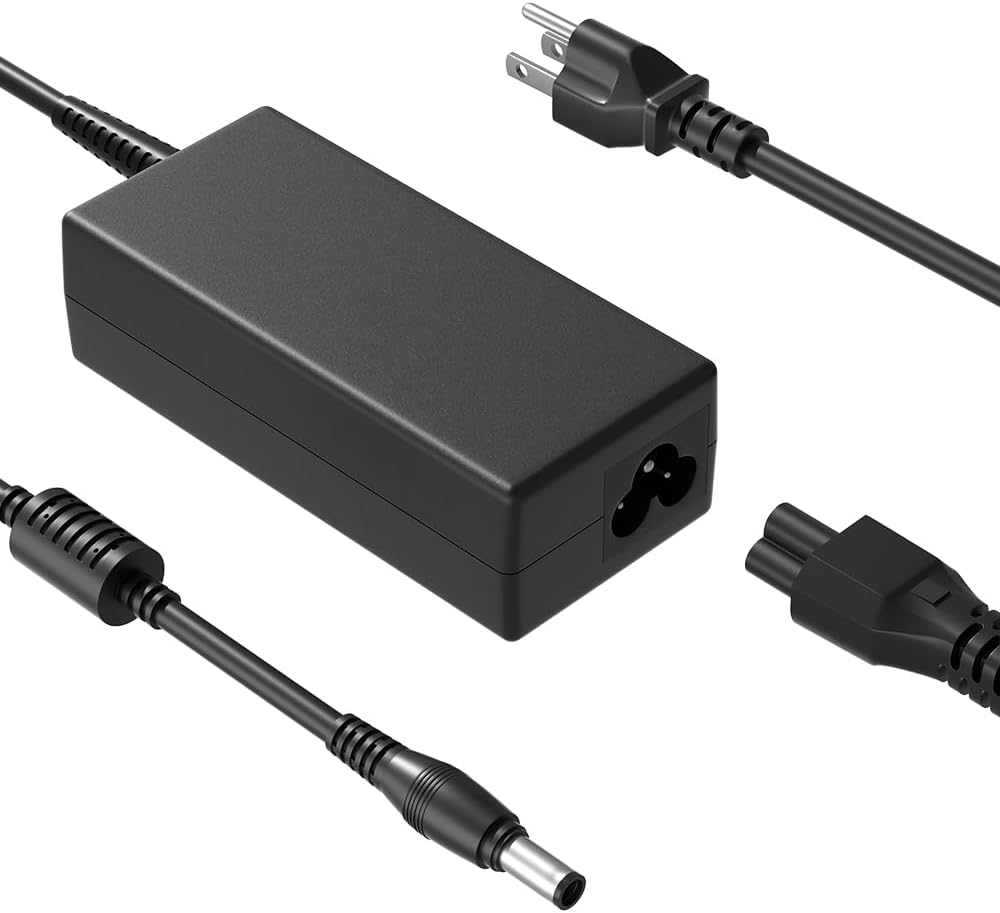


This power adapter delivers a strict 19.5V output specifically designed for Dell S-series and P-series monitors. With a 4.9 rating, users praise its reliability and precise connector fit that prevents flickering or random shutdowns.
We may earn a commission when you buy through this link, at no additional cost to you.
Unlike generic adapters that risk damaging internal circuits, this unit integrates multiple safety safeguards including over-charge and spark protection. The intelligent temperature monitoring system actively regulates internal heat during long work sessions.
The detachable power cord adds flexibility for travel while the compact brick design stores easily in desk drawers. It works perfectly with models like S2415H and S2715H but requires verification of your original connector.
Ideal for users needing a direct OEM replacement without the guesswork of compatibility checks. The price reflects the superior build quality and safety features that protect your investment against electrical failures.
The 7.4×5.0mm tip with center pin ensures a secure connection that standard universal adapters cannot match.
Built-in chips adjust power output based on device temperature to reduce heat generation and extend lifespan.
We may earn a commission when you buy through this link, at no additional cost to you.
A classic choice for monitors with internal power supplies, this standard AC cord offers reliable connectivity at an unbeatable price point. Its 4.7 rating reflects consistent performance across various devices including Dell monitors.
We may earn a commission when you buy through this link, at no additional cost to you.
The 18 AWG gauge cord ensures safe current delivery while the fully molded design provides maximum durability for daily use. It works seamlessly with any device featuring a standard 3-pin power connection.
While it lacks premium features like pure copper conductors, the heavy-duty construction stands up to regular office environments. The 5-foot length suits most desk setups without excessive cable clutter or reach limitations.
Perfect for replacing worn-out cords where budget matters most. Users appreciate its simplicity and reliability without paying for unnecessary bells and whistles that do not improve power delivery.
Works with computers, printers, and monitors from any brand requiring a standard 3-pin connection.
Fully molded ends prevent fraying and ensure long-lasting performance under regular daily use.
We may earn a commission when you buy through this link, at no additional cost to you.
This cable stands out with its 100 percent pure copper construction that delivers high conductivity and low power loss for stable performance. ETL listed for safety, it meets rigorous testing standards for electrical reliability and compliance.
We may earn a commission when you buy through this link, at no additional cost to you.
The flexible PVC jacket allows easy routing around desks and equipment without kinking or damage. Its 18 AWG gauge ensures it handles standard power loads efficiently while maintaining a clean and professional appearance.
While the price is slightly higher than basic cords, the premium materials justify the investment for users seeking maximum efficiency and durability. It is an excellent upgrade for those who value safety and conductivity over basic functionality.
Ideal for high-end workstations where every bit of power efficiency matters. The pure copper core reduces heat generation and ensures your monitor receives clean power without unnecessary electrical resistance.
100 percent copper provides superior conductivity compared to cheaper copper-clad aluminum alternatives.
ETL listing confirms the cable meets strict safety and performance standards for reliable everyday use.
We may earn a commission when you buy through this link, at no additional cost to you.
Designed for extensive Dell monitor compatibility, this adapter covers numerous S-series models from S2216H to S2740L. It features universal input voltage for worldwide use making it perfect for travelers or international office setups.
We may earn a commission when you buy through this link, at no additional cost to you.
Certified with CE FCC and RoHS standards it includes built-in safeguards against overcurrent and overheating. The heat-resistant and flame-retardant materials ensure reliable power delivery during extended sessions without safety risks.
The built-in chip adjusts output based on device temperature to reduce heat generation and protect your monitor. While the rating is lower than premium options, it offers solid value for users needing specific voltage replacement.
Best for Dell owners who need a reliable 12V solution without spending premium prices. Always verify connector size and wattage requirements before purchase to ensure full compatibility with your specific model.
Input range of 100 to 240 volts allows use in any country without needing extra travel adapters.
Built-in chip manages power output based on temperature to maintain safety and extend battery life.
We may earn a commission when you buy through this link, at no additional cost to you.
This adapter handles the higher power demands of modern displays with a stable 65W output at 19.5V. Each unit undergoes testing before shipment to confirm it matches OEM specifications for reliable first-use performance.
We may earn a commission when you buy through this link, at no additional cost to you.
The precision 7.4×5.0mm connector with center pin prevents voltage fluctuations that could damage internal circuits. Built-in temperature monitoring actively regulates heat to protect both the adapter and connected monitor during long use.
Packaged with a detachable power cord this kit offers immediate setup without needing additional accessories. Its compact brick design stores easily in drawers or travel bags making it a versatile primary or backup solution.
Ideal for users seeking exact performance matches for their S-series or P-series monitors. The pre-testing ensures quality control that generic adapters often lack providing peace of mind for critical work setups.
Every adapter is tested before shipment to guarantee output matches Dell specifications for immediate reliability.
Temperature monitoring system actively manages internal heat to prevent overheating and extend lifespan.
We may earn a commission when you buy through this link, at no additional cost to you.
The combination of pure copper construction and ETL safety listing makes this cord a standout value for safety-conscious buyers. It provides high conductivity to ensure your monitor receives stable power without unnecessary energy loss.
We may earn a commission when you buy through this link, at no additional cost to you.
Its flexible PVC jacket allows clean cable management around desks and equipment without risking kinks or internal damage. The 18 AWG wire gauge is standard for consumer electronics ensuring it handles typical monitor power requirements easily.
For users who want better quality than generic cables but cannot justify premium brand pricing this option offers a balanced choice. It works with any device featuring a standard 3-pin connection including most Dell monitors.
Best for home offices where safety and efficiency matter more than brand names. The pure copper core reduces heat during operation providing a safer alternative to aluminum or copper-clad options.
ETL certification ensures the cable meets industry safety standards for electrical performance and reliability.
100 percent pure copper offers lower resistance and better conductivity than copper-clad aluminum alternatives.
We may earn a commission when you buy through this link, at no additional cost to you.
This adapter serves a wide range of Dell 22 to 27-inch monitors with reliable 12V 5A output. Its universal input voltage accepts 100 to 240 volts making it suitable for both local and international electrical outlets.
We may earn a commission when you buy through this link, at no additional cost to you.
The built-in chip automatically adjusts power based on device temperature to reduce heat generation and extend adapter life. Heat-resistant and flame-retardant materials ensure reliable power delivery without safety risks during operation.
Weighing little and featuring a compact design it is easy to pack for travel or move between desks. While not as feature-rich as premium options it provides dependable power for standard Dell monitor needs.
Ideal for users needing a straightforward replacement for 22 to 27-inch displays. Always verify connector size and wattage requirements before purchasing to ensure full compatibility with your monitor model.
Works with 100 to 240V outlets globally so you do not need different adapters for travel.
Built-in chip adjusts output based on device temperature to reduce heat and protect equipment.
We may earn a commission when you buy through this link, at no additional cost to you.
With an eight-foot cable this charger provides excellent reach for floor outlets or standing desk setups without extension cords. It maintains stable 12V 5A output supported by a pure copper wire core for efficient performance.
We may earn a commission when you buy through this link, at no additional cost to you.
CE FCC and RoHS safety certifications confirm reliable construction while built-in protections guard against overvoltage and short circuits. The flame-retardant ABS PC case ensures safe operation even during extended daily use.
The extra cable length reduces strain on wall sockets and allows more flexible monitor placement options. While slightly bulkier than shorter units it offers practical benefits for users with challenging outlet locations.
Best for office setups where standard cable lengths fall short. The pure copper core ensures your monitor receives clean power while the extra length provides convenient flexibility for your workspace layout.
Eight-foot cable allows connection from floor outlets to standing desks without needing extra extension cords.
CE FCC and RoHS certifications ensure the adapter meets global safety standards for reliable operation.
We may earn a commission when you buy through this link, at no additional cost to you.
Designed for specific older Dell flat panel models this power supply offers reliable connectivity with a perfect 5.0 rating. It features a standard three-prong USA design compatible with most standard wall outlets.
We may earn a commission when you buy through this link, at no additional cost to you.
The six-foot cable provides adequate length for typical desk setups without reaching too far or short for high-wall outlets. Tested units arrive in great working condition ensuring you receive a fully functional power cable.
While it lacks advanced safety features its simple robust design ensures consistent performance for legacy hardware. This is an ideal choice for users needing a direct replacement for older Dell P or U series monitors.
Perfect for maintaining older workstations without expensive modern upgrades. The tested condition ensures quality control while the standard design guarantees compatibility with your existing Dell monitor model.
Specifically designed for older Dell models like P1913 and U2711 that require standard 3-prong connections.
Each unit is tested before shipping to ensure it arrives in great working condition for immediate use.
We may earn a commission when you buy through this link, at no additional cost to you.
This cable targets specific older Dell monitor models including E2014H and U2412M with a perfect 5.0 rating. It provides a straightforward AC power solution without extra adapters or complex compatibility requirements.
We may earn a commission when you buy through this link, at no additional cost to you.
The five-foot length suits standard desk setups where shorter cables avoid clutter and longer ones reach unnecessary. It works with any device featuring a standard 3-pin connection making it versatile beyond just these Dell models.
Cord-only packaging keeps costs low for users who need a direct replacement without extra accessories or features. It is an efficient solution for repairing basic power issues on older Dell displays.
Best for owners of specific legacy Dell monitors needing a reliable power replacement. The perfect rating confirms consistent performance and fit that ensures your monitor powers on without issues.
Designed specifically to replace lost or damaged cords on Dell models like E2014H and U2412M.
Five-foot length offers ideal reach for most desks while minimizing unnecessary cable clutter and cost.
We may earn a commission when you buy through this link, at no additional cost to you.
Selecting the right power cord or adapter requires understanding your monitor's power input type and specific voltage requirements.
Identify whether your monitor uses a standard IEC C13 connector or a proprietary barrel connector with specific dimensions.
Always measure connector diameter and length before purchasing to ensure physical compatibility with your device.
Check the original power adapter label for exact voltage and amperage ratings to prevent under or over powering your monitor.
Match the output voltage precisely to avoid damaging internal circuits while ensuring amperage meets minimum requirements.
Measure the distance between your monitor and wall outlet to select a cord length that avoids strain or excess slack.
Consider longer cables for floor outlets but manage excess length to maintain a clean and safe workspace.
Look for UL or ETL listings that confirm the cord meets electrical safety standards and reliable performance testing.
Avoid uncertified cheap alternatives that lack proper insulation and could pose fire or shock hazards.
Choose cords with fully molded connectors and heavy-duty gauges that resist fraying and handle regular daily use.
Premium options like pure copper cores offer better conductivity and lower resistance compared to cheaper materials.
Ensure external adapters supply sufficient wattage to handle your monitor's peak power draw without throttling or failure.
Higher wattage adapters are backward compatible but must match the required voltage output exactly.
Frequent travelers should prioritize lightweight compact adapters with detachable cords that pack easily in laptop bags.
Built-in foldable plugs can save space but may compromise durability compared to detachable cable designs.
Verify adapter compatibility lists include your specific Dell monitor model to avoid returns and compatibility issues.
Some adapters cover many models while others target specific S or P series requiring careful selection.
Before connecting the cord check both ends for any visible damage fraying or exposed wires to ensure safe operation.
Plug the power adapter into the monitor first then connect the AC end to a grounded wall outlet for stable power delivery.
Unplug the cord during storms or long absences to protect your equipment from power surges and electrical hazards.
Yes higher wattage adapters are safe because the device draws only the power it needs. Ensure the voltage and connector match exactly to prevent compatibility issues.
AC cords connect devices with internal power supplies directly to outlets. Adapters convert AC to DC voltage and are required for monitors without built-in power bricks.
Exact models ensure perfect fit but compatible alternatives work if voltage and connector dimensions match. Always verify specs before purchasing to avoid returns.
Universal cords are safe if they meet the monitor's voltage and safety requirements. Look for certified adapters that match OEM specifications for reliable performance.
Check your old adapter label or measure the barrel tip diameter and length with a ruler. Most Dell monitors use 5.5×2.5mm or 7.4×5.0mm connectors.
Only if voltage and connector match exactly. Using wrong voltage can permanently damage your monitor so always verify compatibility before connecting.
Our top picks cover universal cords for basic needs and specific adapters for complex models with external power supplies.
Prioritize safety certifications and exact voltage matching over price to protect your expensive display equipment from electrical damage.
Always check current availability and prices on retailer sites as stock and costs change frequently depending on demand.