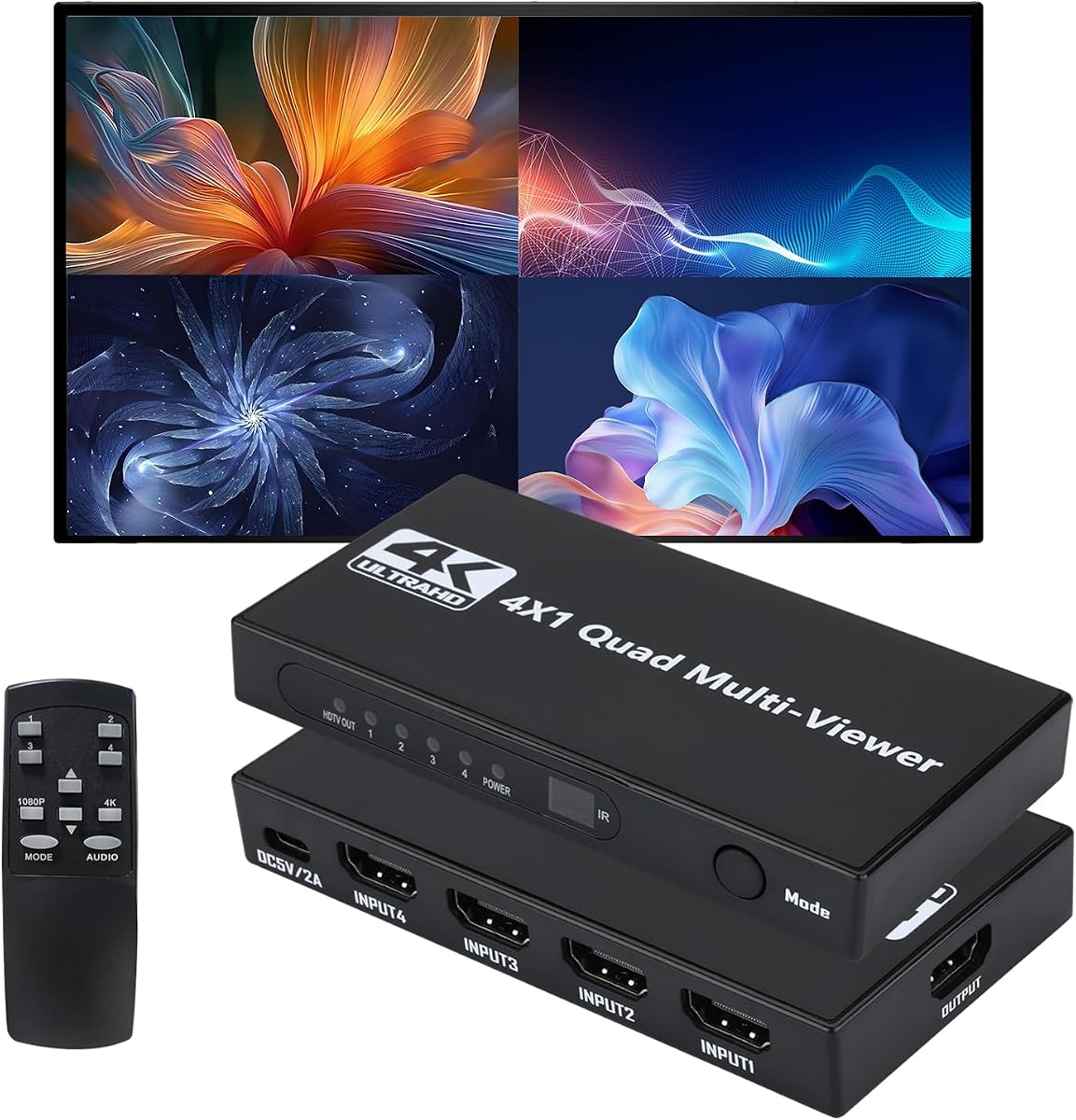
HDMI Multiviewer Switch 4 in 1 Out
4.8Editor score
Affordable price point
12 display modes available
IR remote control included
This guide compares the top 10 HDMI multiviewer models for monitoring multiple sources on one screen with seamless switching and high resolution support.
HDMI multiviewers allow you to display multiple input sources on a single screen simultaneously. They are essential for security monitoring, gaming setups, and professional environments where quick access to various feeds is crucial for efficiency.
We evaluated ten leading models based on resolution support, switching speed, and compatibility. Each product offers unique features like picture-in-picture modes, audio extraction, and remote control options to suit diverse user needs effectively.
Every pick below highlights key strengths and potential trade-offs for informed decisions. Prices and availability change frequently, so verify current details before purchasing to ensure you get the best value for your specific requirements.
4.8Editor score

4.3Editor score

4.2Editor score
This comparison table summarizes the core specifications and features of all ten reviewed models to help you quickly identify which device fits your specific setup requirements.




This PORTTA unit serves as a versatile solution for users needing multiple inputs on one screen. It holds a solid 4.3 rating and offers a great balance of features and affordability for general monitoring tasks.
We may earn a commission when you buy through this link, at no additional cost to you.
The device supports six different viewing modes including equal screens and picture-in-picture layouts. You can switch sources instantly without waiting, which is critical for live security or gaming scenarios where timing matters.
While it lacks 4K resolution, the 1080p performance is sharp and stable. The included downscaler ensures older devices work smoothly without display issues, making it practical for mixed device setups.
Buy this if you need reliable multiviewing for security or console gaming without overspending. The warranty and support add confidence for long-term daily use in demanding environments.
The 4-port seamless switch feature ensures instant transitions between inputs without black screens or latency, which is vital for monitoring dynamic content.
With both Toslink and 3.5mm outputs, you can route audio to external speakers or receivers easily without needing extra hardware.
We may earn a commission when you buy through this link, at no additional cost to you.
OREI provides a solid option for older setups needing VGA connectivity alongside HDMI. This model rates well at 4.3 and handles up to four inputs efficiently for basic surveillance or presentation needs.
We may earn a commission when you buy through this link, at no additional cost to you.
It features five display modes allowing flexible arrangement of feeds. The ability to control via IR remote or buttons offers convenience regardless of where the device is placed in your rack or desk.
The lack of 4K is a limitation for high-end video needs but acceptable for standard monitoring. The included warranty provides peace of mind for users integrating this into commercial or home networks.
This model is ideal for legacy systems requiring mixed analog and digital signal handling. It bridges the gap between modern HDMI sources and older VGA displays effectively.
The VGA output allows connection to older monitors or projectors that lack HDMI ports, extending the utility of this multiviewer significantly.
You can switch sources using the front buttons or remote which makes operation intuitive even in dark or remote locations.
We may earn a commission when you buy through this link, at no additional cost to you.
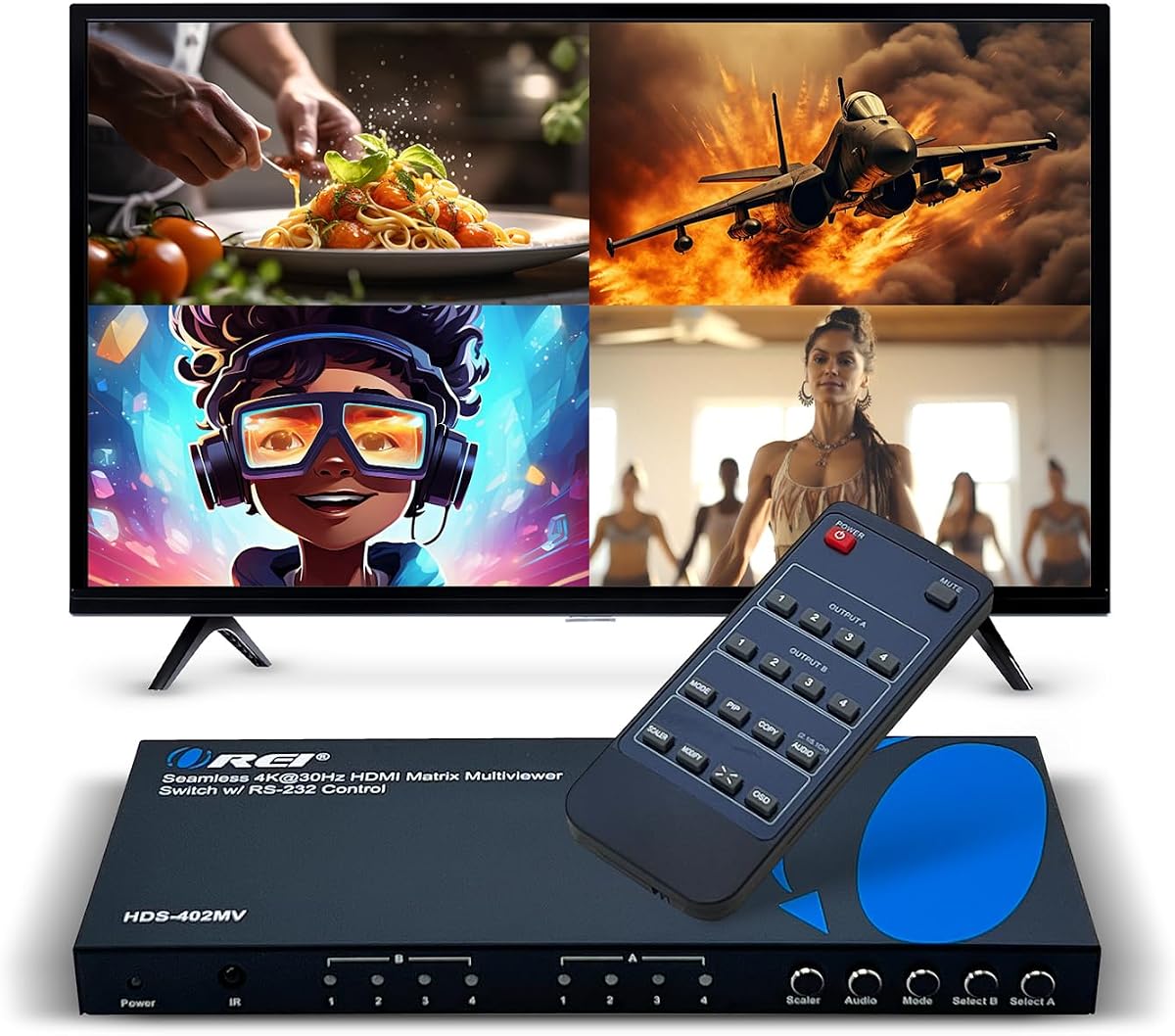
This OREI model stands out for supporting 4K resolution which is rare at this price tier. It maintains a 4.3 rating and offers advanced control options suitable for professional installations requiring high fidelity.
We may earn a commission when you buy through this link, at no additional cost to you.
The audio extraction allows separate audio routing which is perfect for home theater setups or conference rooms where sound needs to go to an amplifier. RS-232 enables integration with control systems for automation.
While 4K is limited to 30Hz the visual clarity remains excellent for static or slow-moving feeds. The price is higher than budget units but the added features justify the investment for demanding users.
Choose this if you need high definition and professional control protocols. It is a robust tool for advanced setups where reliability and video quality are non-negotiable priorities.
Supporting 4K at 30Hz ensures you can view high-resolution content without compromising the quality of your security or media feeds.
The RS-232 port allows integration with professional automation systems enabling remote management and scheduling of switches.
We may earn a commission when you buy through this link, at no additional cost to you.
With a 4.7 rating this unit delivers exceptional value for setups needing two output displays. It allows simultaneous monitoring on two screens which is useful for command centers or dual-monitor workstations.
We may earn a commission when you buy through this link, at no additional cost to you.
The advanced PIP feature lets you position windows flexibly for better visibility. RS-232 control provides the same level of automation as higher-end models ensuring seamless integration into existing systems.
Installation is made easier with the included mounting brackets. The OSD menu adds another layer of customization so you can tweak settings without needing external tools or complicated menus.
This is the top choice for dual-display environments needing high performance. The build quality and feature set make it a reliable workhorse for continuous professional use.
Two HDMI outputs mean you can send the multiviewed signal to a main monitor and a secondary display simultaneously for expanded visibility.
Advanced PIP options let you resize and move small windows so critical feeds are always visible regardless of the layout.
We may earn a commission when you buy through this link, at no additional cost to you.
This model pushes performance boundaries with 4K at 60Hz support which is rare in consumer multiviewers. It holds a 4.0 rating and is built for high-bandwidth applications requiring smooth motion handling.
We may earn a commission when you buy through this link, at no additional cost to you.
The HDCP 2.2 compliance ensures compatibility with modern protected content sources without handshake errors. EDID management helps maintain signal stability across various display types and resolutions.
Audio outputs are versatile allowing connection to amplifiers or speakers easily. However the complexity of settings may be overkill for simple users but essential for those needing maximum resolution fidelity.
Select this if you need high refresh rates for gaming or detailed monitoring. It is a powerful tool for enthusiasts and professionals demanding top-tier video performance.
Supporting 4K at 60Hz ensures fluid motion and sharp detail which is critical for high-definition video feeds and interactive content.
HDCP 2.2 support prevents copyright handshake issues allowing you to view protected content without interruptions or errors.
We may earn a commission when you buy through this link, at no additional cost to you.
This unit focuses heavily on flexibility with eight distinct viewing modes to suit different workflow needs. It rates at 3.9 and offers robust resolution support for high-definition monitoring and multimedia tasks.
We may earn a commission when you buy through this link, at no additional cost to you.
Seamless switching ensures you never lose sight of critical feeds during source changes. The remote control simplifies operation making it easy to adapt layouts on the fly during active sessions.
Universal compatibility allows use with security cameras and game consoles alike. While some users report setup quirks the performance is solid once configured correctly for daily operation.
Opt for this if you need varied layouts for different tasks. The feature set covers most general use cases effectively for home and office environments.
Eight viewing modes allow you to adjust the screen layout instantly whether you need a single view or multiple feeds.
The included remote lets you control the device from a distance which is convenient for setups located in hard-to-reach spots.
We may earn a commission when you buy through this link, at no additional cost to you.
Priced aggressively this switch delivers a huge value for basic multiviewing needs. It holds an impressive 4.8 rating and offers 12 display modes which is unique for its price tier.
We may earn a commission when you buy through this link, at no additional cost to you.
The OSD scaling allows you to adjust image ratios easily ensuring content fits screens without distortion. Plug and play functionality means no drivers are needed for immediate use across systems.
While it caps at 1080p it handles most consumer and security feeds perfectly. The high rating suggests users are satisfied with the build quality and performance for the cost.
This is the smart choice for those needing affordability without sacrificing features. It handles basic monitoring or console switching with surprising capability for a budget model.
On-screen display scaling lets you adjust aspect ratios so images look correct regardless of the source or monitor size.
The plug and play design ensures you can connect cables and start using the device immediately without any software configuration.
We may earn a commission when you buy through this link, at no additional cost to you.
J-Tech offers a model designed for PC integration allowing software control for advanced customization. It rates 3.6 and provides professional-grade features suitable for complex monitoring or production environments.
We may earn a commission when you buy through this link, at no additional cost to you.
The audio extraction supports premium formats which benefits home theaters or streaming setups. A durable design with mounting ears ensures the device stays secure in professional installations or racks.
PC software control adds significant utility allowing layout changes without touching the hardware. However the higher price and mixed reviews suggest it is best for users needing specific integration.
Select this if you require software-driven automation or professional reliability. The feature set is robust for those willing to invest in higher-end solutions.
Using PC software you can manage layouts and settings remotely which is ideal for centralized control rooms or automated systems.
Support for premium digital audio formats ensures high-quality sound output for surround sound systems or external amplifiers.
We may earn a commission when you buy through this link, at no additional cost to you.
This variant stands out for its audio support and international compatibility. It carries a strong 4.4 rating and is perfect for global setups needing dual voltage power and analog audio connections.
We may earn a commission when you buy through this link, at no additional cost to you.
The 3.5mm audio output simplifies connecting to speakers without extra adapters. VGA output ensures compatibility with legacy monitors making it a versatile choice for older infrastructure.
It supports five display modes which are sufficient for most standard tasks. The dual voltage capability allows safe operation worldwide which is useful for travel or international projects.
Choose this for mixed analog and digital setups with global needs. The reliability and ease of use make it a strong contender for general monitoring.
The dual voltage supply lets you use the device internationally without needing a separate power converter for travel.
Analog audio outputs ensure you can connect to a wide range of speakers and amplifiers without digital conversion issues.
We may earn a commission when you buy through this link, at no additional cost to you.
This is a full matrix system ideal for professional video wall deployments. It rates 4.2 and offers complete routing of inputs to outputs which is unmatched in standard multiviewer setups.
We may earn a commission when you buy through this link, at no additional cost to you.
Ten video wall configurations allow flexible layouts across multiple screens. Web and LAN control enable management from a browser allowing centralized oversight without direct hardware access.
The price is high and setup is complex but the capabilities justify it for large installations. It is designed for environments requiring absolute flexibility and professional reliability.
Invest in this for commercial or large-scale video walls. It provides the highest level of control available in this product category for serious applications.
Full matrix capabilities let you route any input to any output giving you complete control over how signals are distributed.
Control the device via a web browser or network connection allowing remote management from anywhere on your local network.
We may earn a commission when you buy through this link, at no additional cost to you.
Selecting the right multiviewer depends on resolution, output needs, and control options. This guide outlines key factors to evaluate for a smart purchase.
Ensure the device supports your required resolution. Some models stop at 1080p while others go up to 4K at 60Hz for high fidelity.
Choose a model that matches the highest resolution source to avoid quality loss during viewing.
Check if you need one or multiple outputs. Most have one but some offer two for simultaneous display on separate screens.
Dual outputs are essential for monitoring stations requiring redundancy or extended views.
Look for audio extraction if you need sound separate from video. Optical or analog outputs allow connection to external speakers.
Audio flexibility improves the experience in setups where sound quality matters.
Decide between remote, buttons, or advanced control like RS-232 and LAN. Advanced options suit automation and professional environments.
Control method affects how easily you can manage the device in your specific location.
Evaluate the number of viewing modes. More modes provide flexibility to tailor the screen for different tasks.
Adequate modes ensure you can view critical content without clutter.
Confirm compatibility with your source devices like consoles or security cameras. HDCP support is necessary for modern streaming boxes.
Compatibility prevents handshake issues and ensures stable connections.
Check the warranty period. One year is standard but some offer longer coverage for peace of mind.
Good warranty terms protect your investment against early failures.
Balance features against your budget. Basic needs may not justify expensive models with advanced controls.
Select a model that offers the best value for your specific use case.
Connect all HDMI sources to input ports and your monitor to the output. Power on the device and press the remote or buttons to switch signals.
Use the viewing mode menu to select layouts like quad view or picture in picture. Adjust settings to fit your preferred workflow.
Keep the device in a ventilated area to prevent overheating. Regularly check cables for damage to maintain stable connections over time.
Yes most models work with PS4 Xbox and Switch. Ensure you check resolution limits like 4K compatibility if you plan to use high-end consoles.
No internet connection is needed for standard models. Advanced units with web control require LAN connection for remote access.
No drivers are required. These devices plug and play via HDMI without installing software on your computer.
Some units allow audio source selection. Check if the model has audio extraction or specific audio controls for this function.
Seamless switching allows switching between sources without a black screen or delay. It is ideal for continuous monitoring setups.
Yes they are commonly used for NVR output. Just ensure the cameras send HDMI signals to the inputs.
The top three picks offer strong options for different needs ranging from budget to premium. Each has proven reliability and performance for real-world use.
Prioritize resolution and control methods based on your specific environment. These factors impact how effectively the device integrates into your workflow.
Always check current prices and availability before buying to ensure you get the best deal for your setup requirements.